December 25, 202520 min read12 sections
The 12 Best Video Podcast Software Tools For B2B Podcasters In 2025
By Fame Team
Key Takeaways
- The right video podcast software can significantly impact the quality and efficiency of your content creation process.
- It's essential to choose a platform that can handle high-quality video capture and simplify your workflow, from remote guest interviews to polished clip creation.
- A holistic content strategy may involve using a combination of specialized video podcast software and a broader range of content creation tools for marketing needs.
Video is no longer an optional add-on for B2B podcasts; it's a core component for building authority and engaging a professional audience on platforms like YouTube and LinkedIn. But the explosion of tools makes choosing the right one a challenge. You need software that not only captures high-quality video but also simplifies your entire workflow, from remote guest interviews to creating polished, shareable clips. The right platform can mean the difference between a time-consuming production nightmare and a streamlined process that fuels your content engine.
This guide cuts through the noise, breaking down the 12 best video podcast software options for B2B creators. We'll analyze their strengths for remote recording, editing, and distribution, helping you build a tech stack that saves time, enhances quality, and delivers professional results without the technical headaches. While we focus specifically on video podcasting tools, remember that a holistic content strategy often involves a wider range of the best content creation tools to cover all your marketing needs.
We'll focus on practical use cases, highlighting which tools excel at capturing studio-quality local recordings versus those built for seamless live streaming or rapid-fire social clip creation. For each platform, we'll provide an honest assessment of its features, limitations, and ideal user profile, complete with screenshots and direct links to help you make an informed decision. This resource is designed to be actionable, moving beyond generic feature lists to give you the insights needed to select the perfect software for your B2B podcasting goals.
1. Riverside
Riverside has established itself as the gold standard for B2B marketers and creators seeking studio-quality remote recordings. We recommend it as the go-to platform for this critical first step. It functions as a browser-based studio, eliminating the need for complex software installations for you or your guests. The platform’s standout feature is its progressive-upload local recording, capturing separate, uncompressed audio and video tracks directly on each participant's device. This process ensures your final output remains pristine, even if someone’s internet connection falters mid-interview.
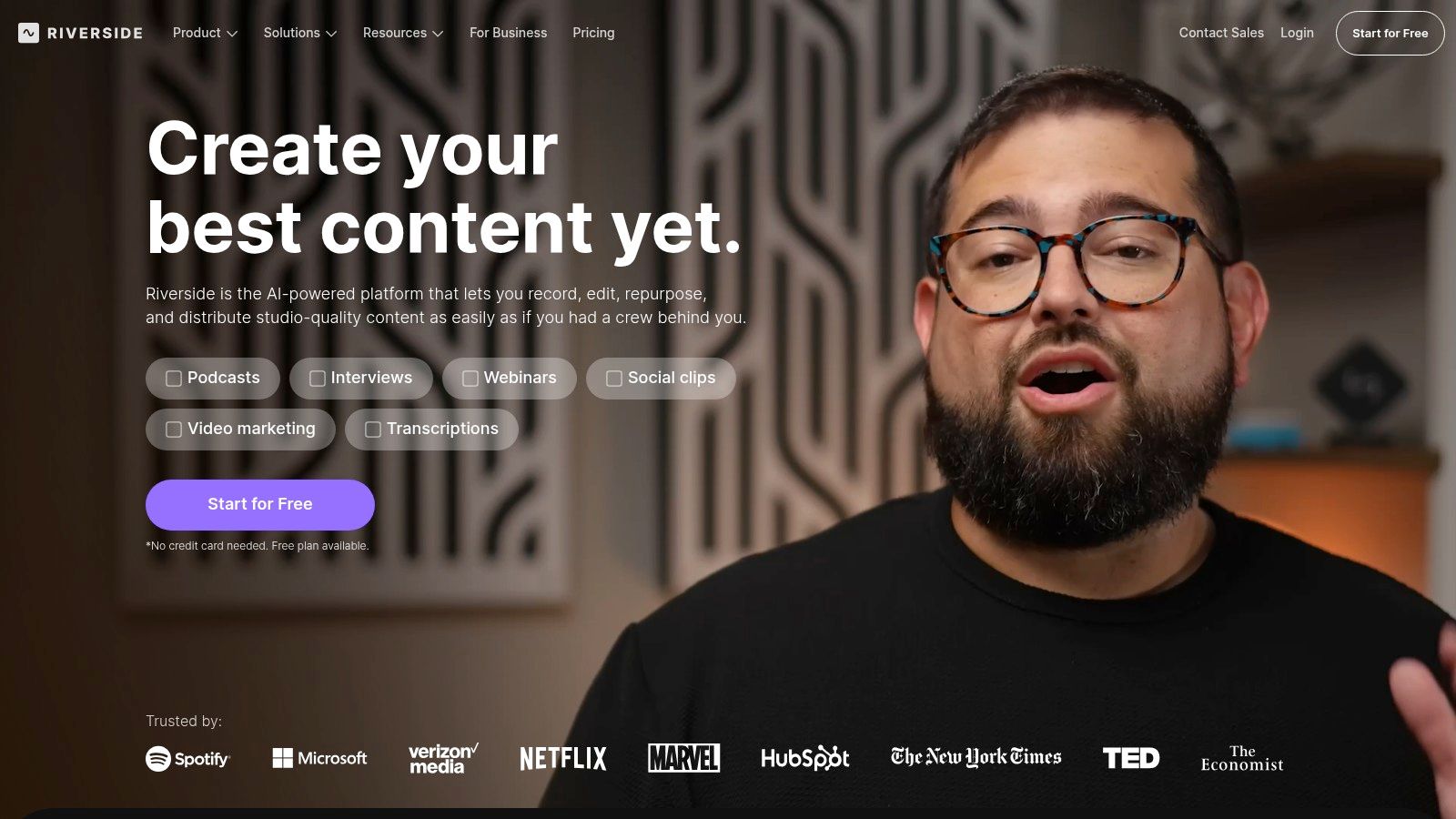
This focus on quality makes it one of the best video podcast software options for teams that cannot compromise on production value. It supports video up to 4K and WAV audio at 48 kHz, providing the high-fidelity source files necessary for a polished, professional edit. For those looking to streamline their post-production, Riverside’s integrated AI tools are a game-changer. Features like Magic Clips automatically identify and create shareable social media snippets, while its text-based editor allows you to edit your video simply by deleting words from the auto-generated transcript.
Key Details & Pricing
- Best For: B2B companies conducting remote interviews with high-profile guests where audio and video integrity is paramount.
- Key Feature: Local multitrack recording that bypasses internet instability for crystal-clear results. Also the only all-in-one podcast platform with studio-quality recording, a multi-track editor, hosting, and a set of repurposing tools.
- Pricing: Offers a free plan with watermarked exports. Paid plans start at $15/month (billed annually) for 2 hours of separate track recording, scaling up to business tiers with advanced features.
Practical Tip: To ensure a smooth guest experience, send a simple one-sheet ahead of time explaining that they will need to use a Chrome browser on a desktop/laptop and grant mic/camera permissions. This small step avoids technical delays. Explore more ways to elevate your show in our guide to B2B video podcast production.
2. Descript
Descript has carved out a unique space by revolutionizing the post-production workflow with its text-based editing interface. It operates as an all-in-one platform where you can record, transcribe, edit, and mix your video podcast by manipulating a text document. This approach significantly lowers the barrier to entry for content teams who may find traditional timeline editors intimidating, allowing anyone comfortable with a word processor to produce a polished episode.
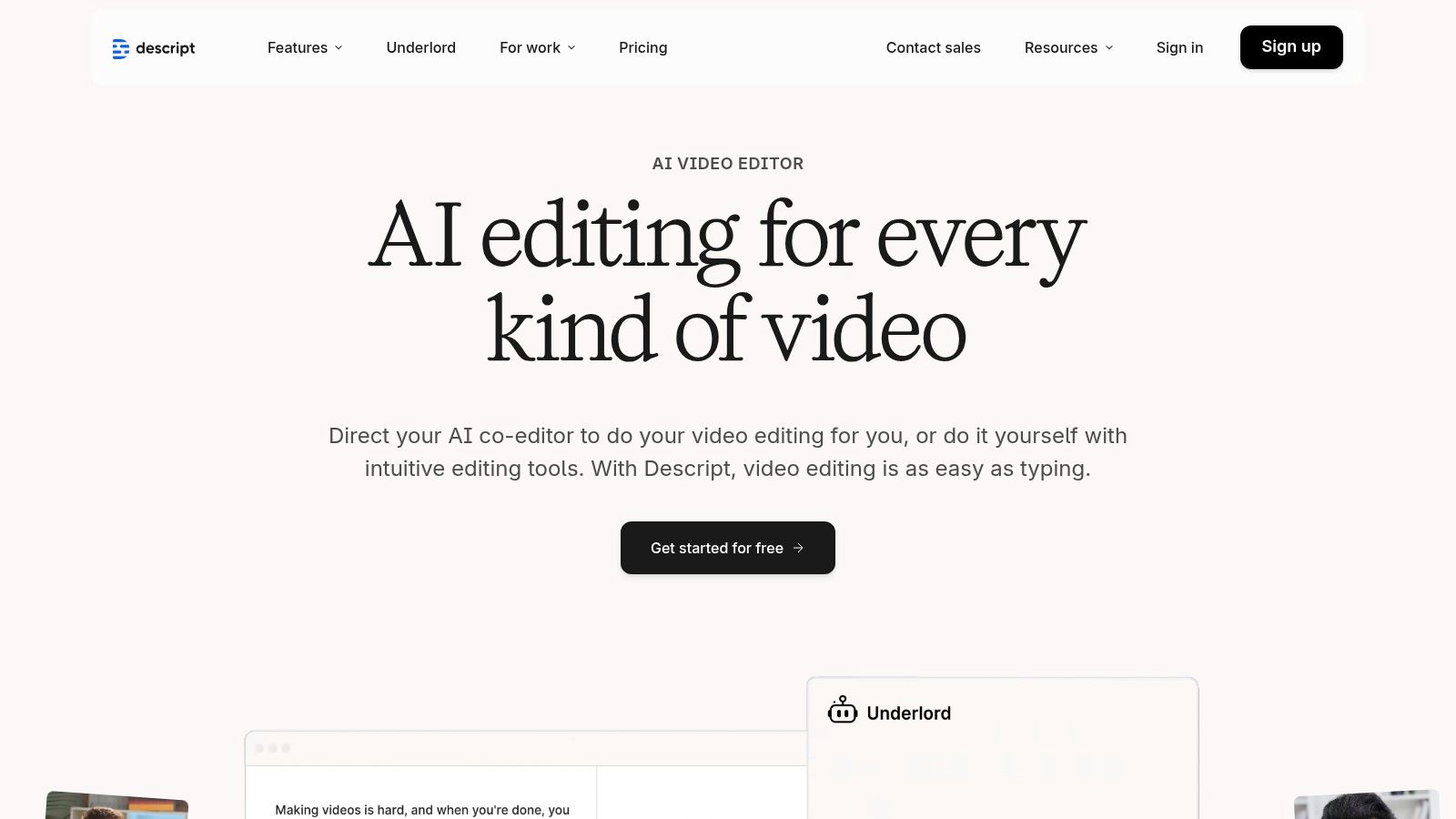
The platform’s strength is in its comprehensive, AI-powered toolkit that streamlines tedious tasks. With its integrated SquadCast remote recording, you get high-quality separate tracks captured locally, which you can then immediately edit in Descript. Features like automatic filler word removal ("um," "uh"), multicam switching based on active speakers, and AI-generated social clips make it one of the best video podcast software choices for teams prioritizing efficiency and content repurposing. By combining robust recording capabilities with an intuitive editing experience, Descript enables B2B marketers to go from interview to final asset within a single, unified workflow.
Key Details & Pricing
- Best For: B2B marketing teams that want a single, streamlined tool for both remote recording and efficient, AI-assisted post-production.
- Key Feature: Text-based video editing that allows you to edit your podcast by simply editing the auto-generated transcript.
- Pricing: A free plan is available with limited transcription. Paid plans start at $12/month (billed annually) for more features, with Business and Enterprise tiers for advanced collaboration.
Practical Tip: Use the "Find filler words" feature to instantly highlight and remove all instances of "um" or "uh" with a single click. This drastically cleans up your audio and saves significant manual editing time. For more advanced techniques, see our guide on how to edit a podcast.
3. StreamYard
StreamYard is a browser-based live streaming and recording studio celebrated for its simplicity and reliability, especially for B2B marketers engaging with a live audience. Its core strength lies in making professional-looking streams accessible to non-technical users, allowing hosts to easily manage guests, display on-screen comments, and add custom branding like overlays and lower thirds. While it’s a live-streaming powerhouse, it also offers robust features for pre-recorded content, making it a versatile tool for webinars, interviews, and internal company broadcasts.
This focus on user experience and live engagement makes StreamYard one of the best video podcast software choices for teams prioritizing audience interaction. Paid plans include local recording capabilities, capturing separate audio and video tracks for each participant to ensure high-quality post-production, even if the live stream experiences internet-related glitches. The platform can output at 1080p and allows for multistreaming to platforms like YouTube, LinkedIn, and Facebook simultaneously, maximizing content reach without adding technical complexity.
Key Details & Pricing
- Best For: Marketing teams and content creators who frequently host live shows, webinars, or interactive interviews and need a simple, reliable platform for guests.
- Key Feature: An incredibly intuitive interface combined with powerful live engagement tools like on-screen comments and multistreaming capabilities.
- Pricing: A free plan is available with StreamYard branding. Paid plans begin at $20/month (billed annually) which unlocks local recordings, 1080p streaming, and custom branding.
Practical Tip: Use the "Record-only" mode for pre-recorded interviews to leverage StreamYard's simple guest management and local recording features without the pressure of a live broadcast. This gives you high-quality separate tracks perfect for a polished edit. To learn more about setting up your gear for such recordings, check out Your Actionable Guide To Equipment for Video Podcasting.
4. Podcastle
Podcastle positions itself as an all-in-one, AI-powered platform designed to streamline the entire podcasting workflow from recording to distribution. It functions as a web-based studio that combines multitrack recording with a suite of intelligent editing and repurposing tools. The platform captures local audio and video tracks for up to 10 participants, ensuring that the final recording quality is not compromised by unstable internet connections, a crucial feature for remote interviews.
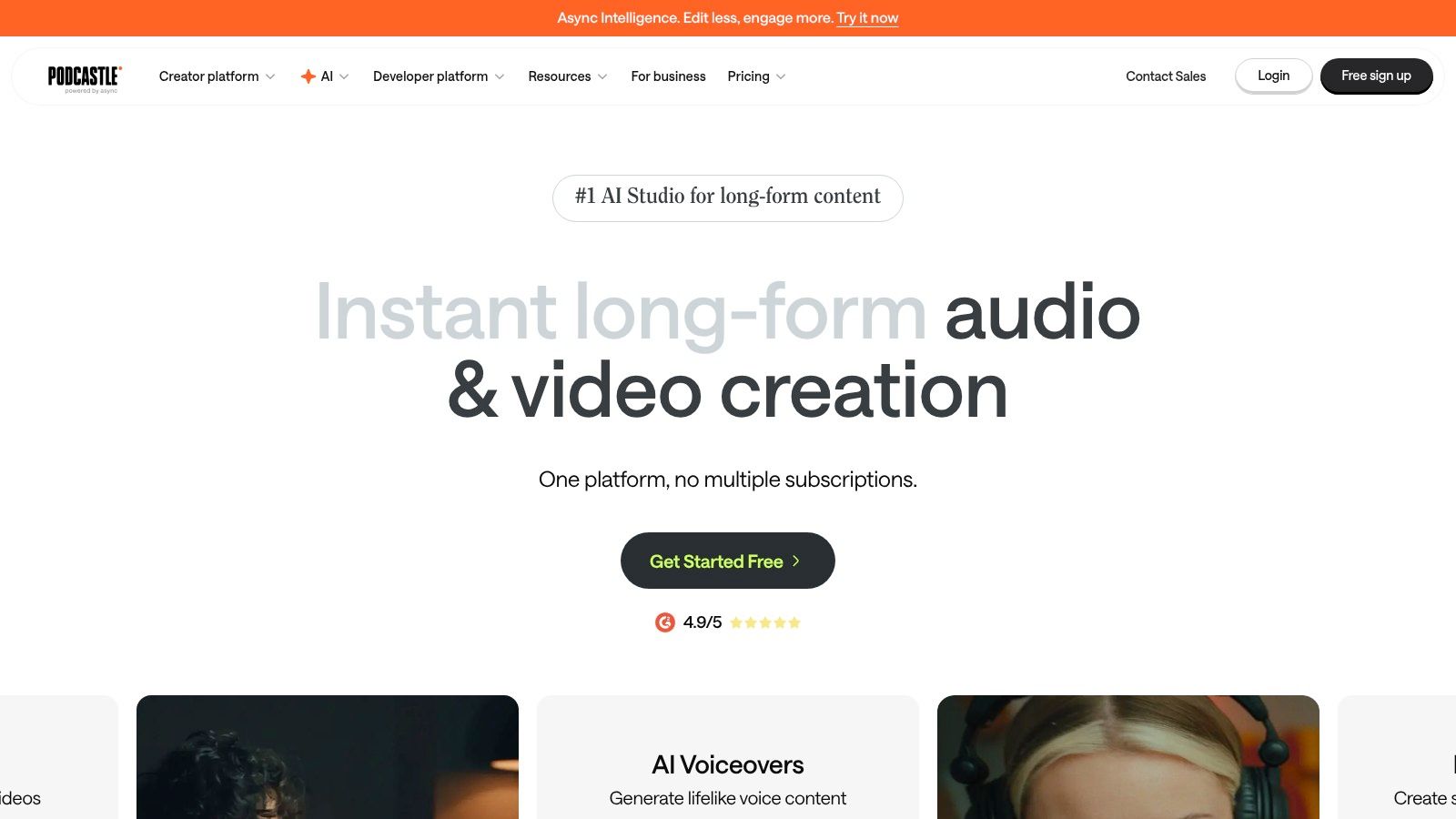
What makes Podcastle a compelling choice for the best video podcast software is its extensive feature set aimed at creators who want a unified solution. It supports up to 4K video downloads on its paid tiers and offers powerful AI tools like Magic Dust for audio enhancement, automatic silence removal, and even text-to-speech generation. For B2B marketers, the built-in hosting and publishing hub simplifies the final steps of distribution, allowing teams to manage their entire content lifecycle within a single dashboard without needing separate hosting providers.
Key Details & Pricing
- Best For: Small teams and solo B2B creators looking for an affordable, end-to-end platform that combines recording, AI-assisted editing, and hosting.
- Key Feature: An integrated workflow that takes you from recording high-quality local tracks to publishing the final episode from one central hub.
- Pricing: A free plan is available with limited features. Paid plans start at $11.99/month (billed annually), offering more recording hours, 4K video, and advanced AI tools.
Practical Tip: Leverage Podcastle’s "Magic Dust" feature on your audio tracks immediately after recording. This one-click AI tool cleans up background noise and equalizes audio levels, providing a much cleaner baseline file before you begin any detailed video or audio editing.
5. Restream
Restream is best known as a powerful live streaming and distribution platform, but it has evolved to become a highly capable tool for pre-recorded video podcasts. Its browser-based studio allows you to easily invite guests, brand your session with custom overlays, and record high-quality content without the pressure of a live audience. The platform’s "record-only" mode is specifically designed for podcasters who prefer to edit their content before publishing, making it a flexible choice for various production workflows.
While its primary strength is simulcasting to over 30 platforms at once, its recording features are increasingly robust. Restream offers split-track audio and is rolling out local recording capabilities (currently in beta), which capture each participant's audio and video directly on their device. This feature is a crucial step toward ensuring pristine quality, similar to dedicated recording tools. For B2B marketers who also host live webinars or events, Restream offers a consolidated solution, making it one of the best video podcast software options for teams that value both live engagement and polished, pre-recorded episodes.
Key Details & Pricing
- Best For: B2B marketers who need a single platform for both live streaming events and recording high-quality video podcast interviews.
- Key Feature: The ability to record a polished, branded session privately or simultaneously multistream it to platforms like LinkedIn, YouTube, and Facebook.
- Pricing: A free plan is available with Restream branding. Paid plans start at $16/month (billed annually), unlocking features like recording storage, custom branding, and local recording access.
Practical Tip: When using the record-only mode, take full advantage of Restream's branding features. Prepare your logo, background, and color schemes in advance. This gives your raw recording a professional look from the start, saving significant time in post-production and ensuring brand consistency.
6. Zoom Workplace
While not a dedicated podcasting studio, Zoom Workplace earns its spot as a pragmatic and reliable tool for B2B creators. Its primary advantage is its ubiquity in the corporate world. Remote recording makes it far easier to secure high-quality guests, as they don't need to travel. This familiarity with Zoom removes potential tech hurdles, making it a low-stress option for securing interviews with busy professionals who may be hesitant to learn a new tool.
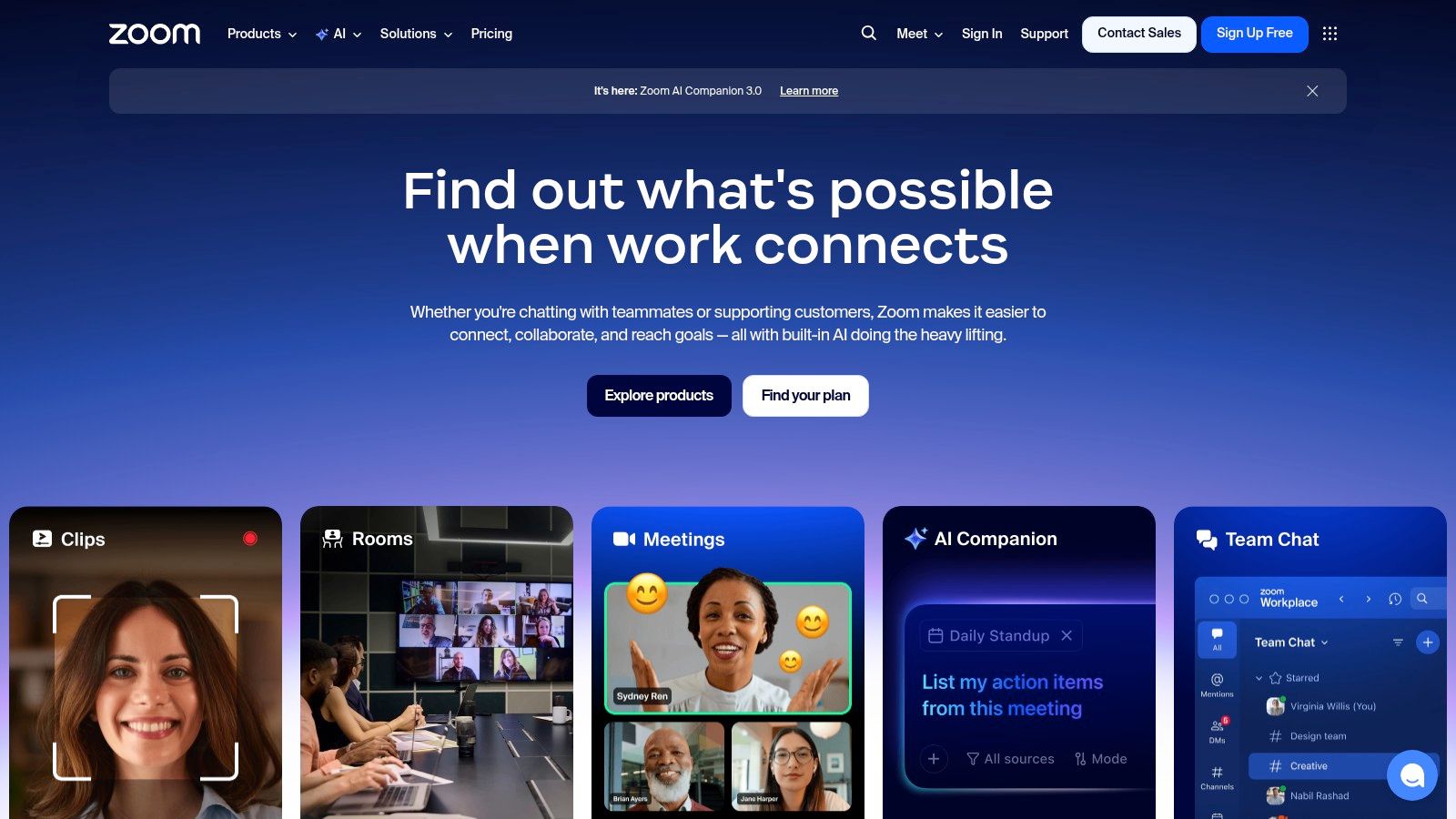
Zoom functions as a straightforward, single-track recorder, capturing the video and audio as it occurs over the internet. While this means it's susceptible to internet glitches and won't match the quality of local recording platforms, its paid plans offer 1080p HD recording options and reliable cloud storage. For teams already using Zoom for daily operations, it presents a cost-effective way to produce video podcast content without adding another subscription. The built-in AI Companion can also generate transcripts and summaries, offering a starting point for post-production editing and content repurposing.
Key Details & Pricing
- Best For: B2B businesses looking for a guest-friendly, no-friction recording method, especially when the guest’s comfort and availability are the top priority.
- Key Feature: Widespread user familiarity, which removes technical barriers for corporate guests and simplifies the recording process.
- Pricing: A free plan exists with a 40-minute meeting limit. Paid plans start at $149.90/user/year, which unlocks longer meeting durations (up to 30 hours), cloud recording, and the AI Companion.
Practical Tip: To get the best possible quality from a Zoom recording, ask all participants to close unnecessary applications and use a wired ethernet connection if possible. This minimizes the risk of network-related quality drops. For a deeper look at different methodologies, check out our guide on how to record a podcast remotely.
7. Ecamm Live
For macOS users, Ecamm Live transforms a Mac into a professional live production studio. It’s a powerful application designed for live streaming and recording, giving creators broadcast-level control over their video content. Unlike browser-based platforms, Ecamm is a native app that deeply integrates with the Apple ecosystem, offering smooth performance, multicam switching, and dynamic scene and overlay management. Its ability to output a virtual camera makes it an excellent production layer for other applications, such as Zoom.
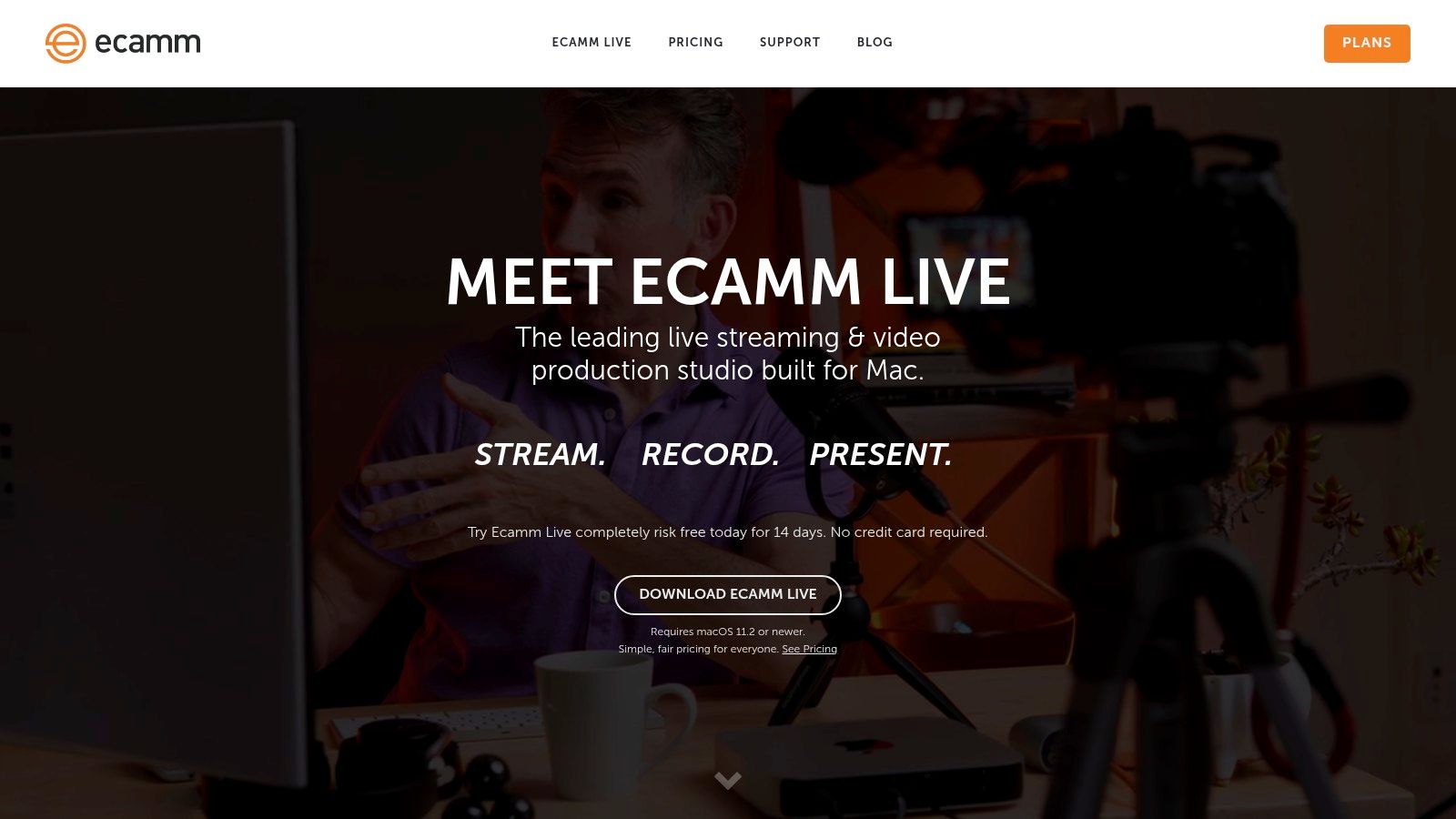
This focus on live production makes it one of the best video podcast software choices for anyone creating live-to-tape content or streaming directly to platforms like YouTube and LinkedIn. It captures isolated audio and video tracks, ensuring you have clean source files for post-production, even after a live broadcast. For B2B marketers hosting panel discussions or webinars, the built-in Zoom integration is a standout, allowing you to bring remote guests from a Zoom call directly into your polished Ecamm production. For those guests, knowing how to add backgrounds in Zoom can further enhance the professional look of the final broadcast.
Key Details & Pricing
- Best For: Mac-based creators and B2B marketers who want a polished, broadcast-style feel for their live shows, webinars, and recorded interviews.
- Key Feature: Native macOS application that offers robust control over live switching, scenes, overlays, and guest integration for a TV-style production.
- Pricing: No free plan available. Paid plans start at $16/month (billed annually), with features like isolated tracks and 4K streaming reserved for the Pro plan at $32/month.
Practical Tip: Pair Ecamm Live with a Stream Deck for ultimate control. You can map scene changes, sound effects, and camera switches to physical buttons, allowing you to manage a complex live production without ever needing to click around the interface mid-show.
8. OBS Studio
For creators who want complete, granular control over their in-studio video production, OBS Studio is the undisputed open-source champion. It’s not a browser-based remote studio; instead, it's powerful desktop software that turns your computer into a professional video mixing board. OBS excels at managing complex, multi-source productions, allowing you to create different "scenes" with unique layouts- like a full-screen intro, a side-by-side interview view, and a screen share with a picture-in-picture host- and switch between them seamlessly during a live recording or stream.
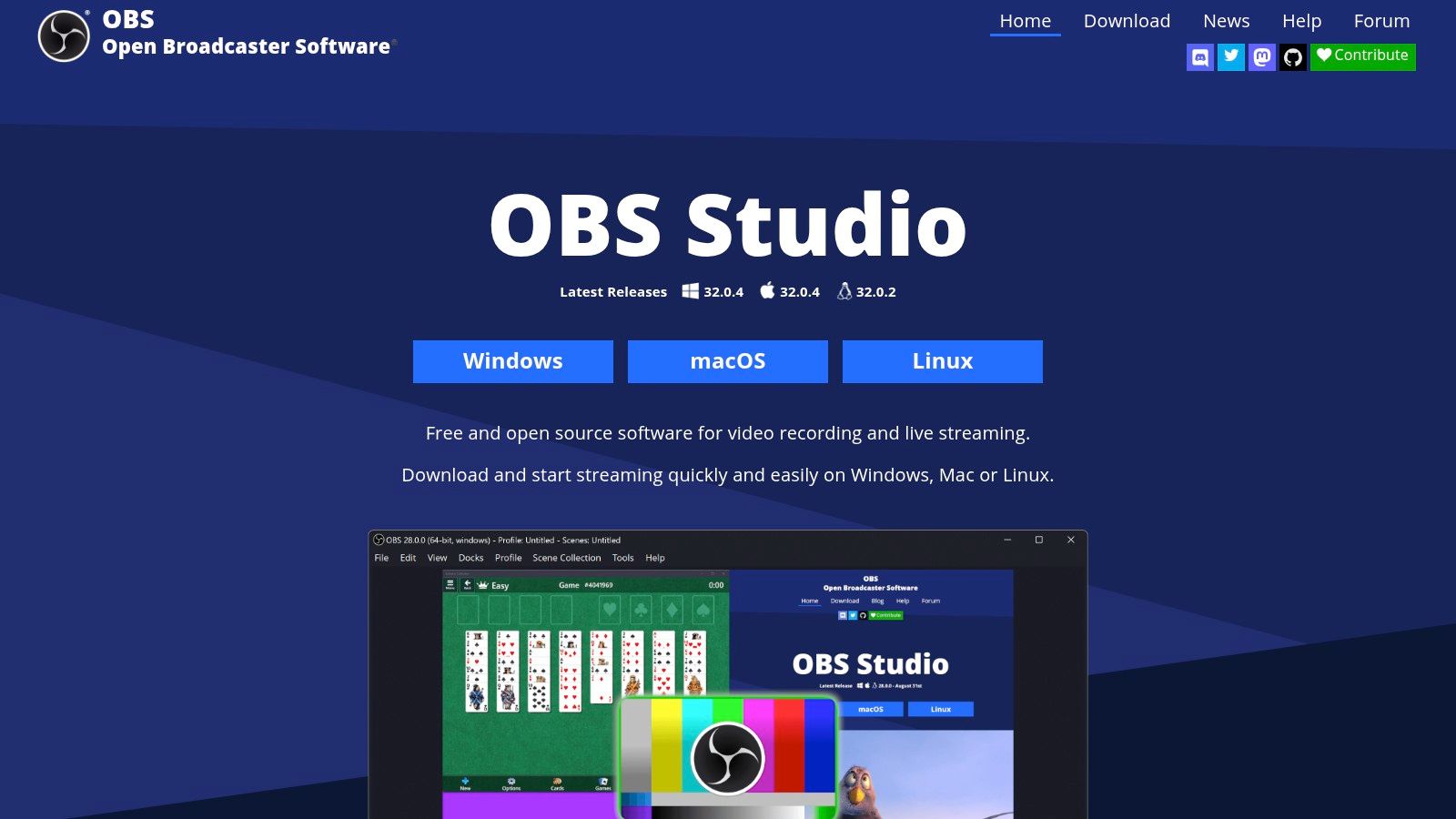
This level of control makes OBS Studio one of the best video podcast software options for solo creators or teams recording in the same physical space. Its strengths lie in its flexibility: you can add multiple cameras, apply real-time video filters, integrate VST audio plugins for advanced sound processing, and use its multiview feature to monitor all your sources at once. While it lacks a built-in remote guest feature, it can be paired with other tools to bring in external participants. The trade-off for its power is a significant learning curve, but for those willing to invest the time, the production capabilities are limitless and entirely free.
Key Details & Pricing
- Best For: Technically-inclined creators and in-house B2B production teams who require broadcast-level control for live-switched recordings or streams without subscription fees.
- Key Feature: Scene-based production that allows for dynamic, real-time switching between multiple pre-configured layouts and sources (cameras, screen shares, graphics).
- Pricing: Completely free and open-source. There are no fees, subscriptions, or limitations on its use.
Practical Tip: To integrate remote guests, use a tool like Zoom or a VDO.Ninja link and capture that window as a source within OBS. This gives you full control over the guest's video placement and audio mixing within your custom scenes. Explore other gear setups in our guide to essential podcast studio equipment.
9. Alitu
Alitu positions itself as the "make-it-simple" solution for podcasters who want to minimize technical friction. It’s designed as an all-in-one platform that handles recording, editing, and publishing, making it ideal for solo creators or small B2B teams prioritizing speed and simplicity over complex production capabilities. The platform supports remote video interviews for up to 10 participants, using local double-ender recording to capture separate audio and video tracks up to 1080p, ensuring a stable final product regardless of internet fluctuations.
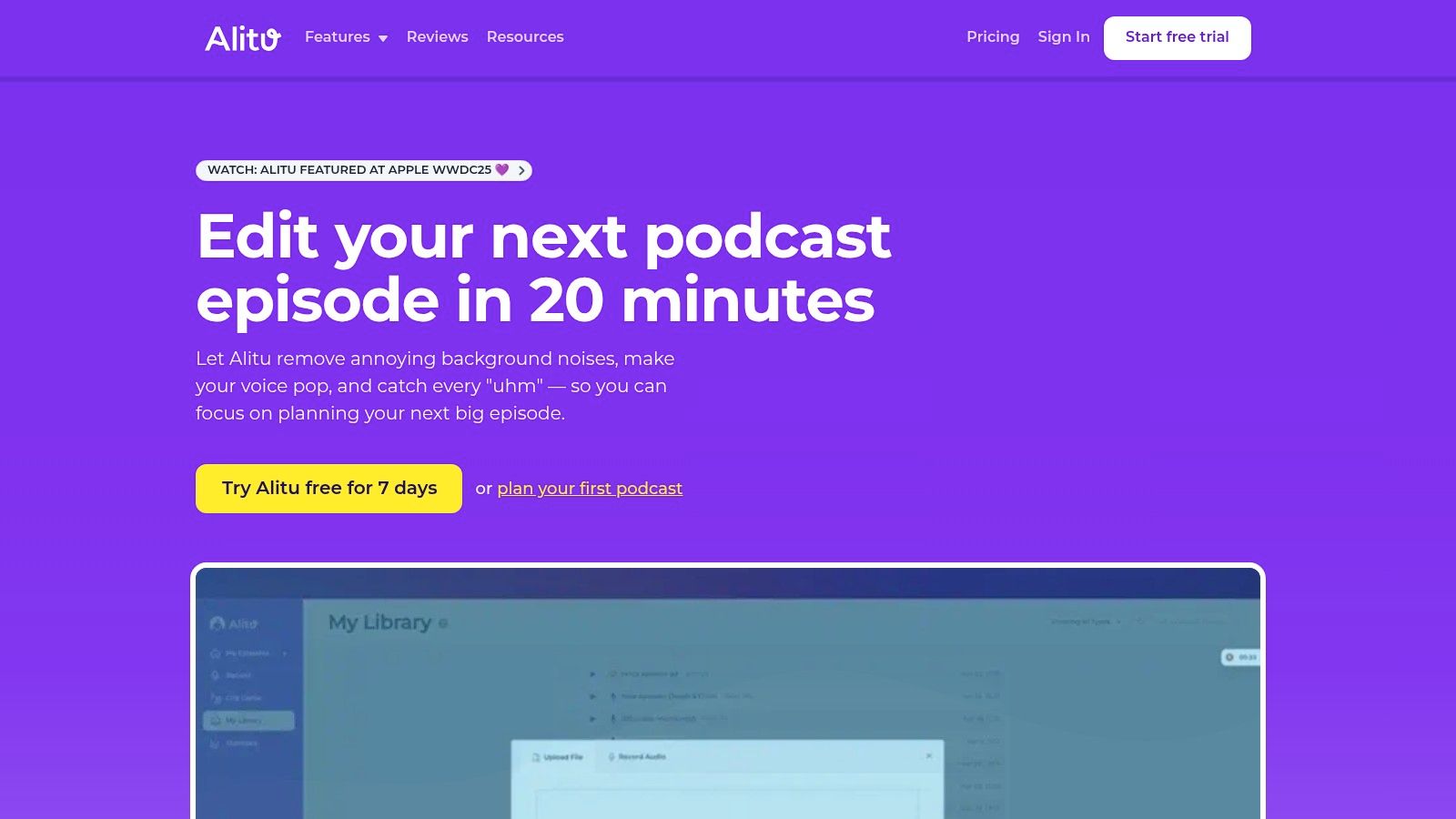
Where Alitu truly stands out is in its automated post-production features. The software automatically applies audio cleanup, noise reduction, and leveling, saving creators significant editing time. Its built-in editor includes "Magic Filters" to remove filler words and long silences, which helps polish the final cut quickly. This focus on an integrated, low-effort workflow makes it one of the best video podcast software choices for those who find traditional editing suites intimidating. Once complete, you can host your podcast directly through Alitu, which generates an RSS feed and a simple show website for easy distribution.
Key Details & Pricing
- Best For: Solo B2B creators or small marketing teams who need an end-to-end solution for recording, basic editing, and hosting without a steep learning curve.
- Key Feature: An all-in-one workflow with automated audio processing and integrated hosting that drastically simplifies the podcast production process.
- Pricing: Alitu offers a single, all-inclusive plan at $38/month (or $380/year) which includes unlimited recording, editing, and publishing. A 7-day free trial is available.
Practical Tip: Leverage Alitu's automated audio processing to establish a consistent, professional sound for your show with minimal effort. While the video editing is basic, you can export the clean audio track and pair it with video edited in a more advanced tool if needed, giving you the best of both worlds.
10. VEED
VEED is less a primary recording studio and more a powerful post-production and repurposing engine designed for speed. While it offers screen and webcam recording capabilities, its true strength lies in transforming your raw podcast recordings into polished, shareable assets. It operates entirely in the browser, providing a streamlined workflow for B2B marketing teams who need to create a high volume of social media content from a single podcast episode without getting bogged down in complex editing software.
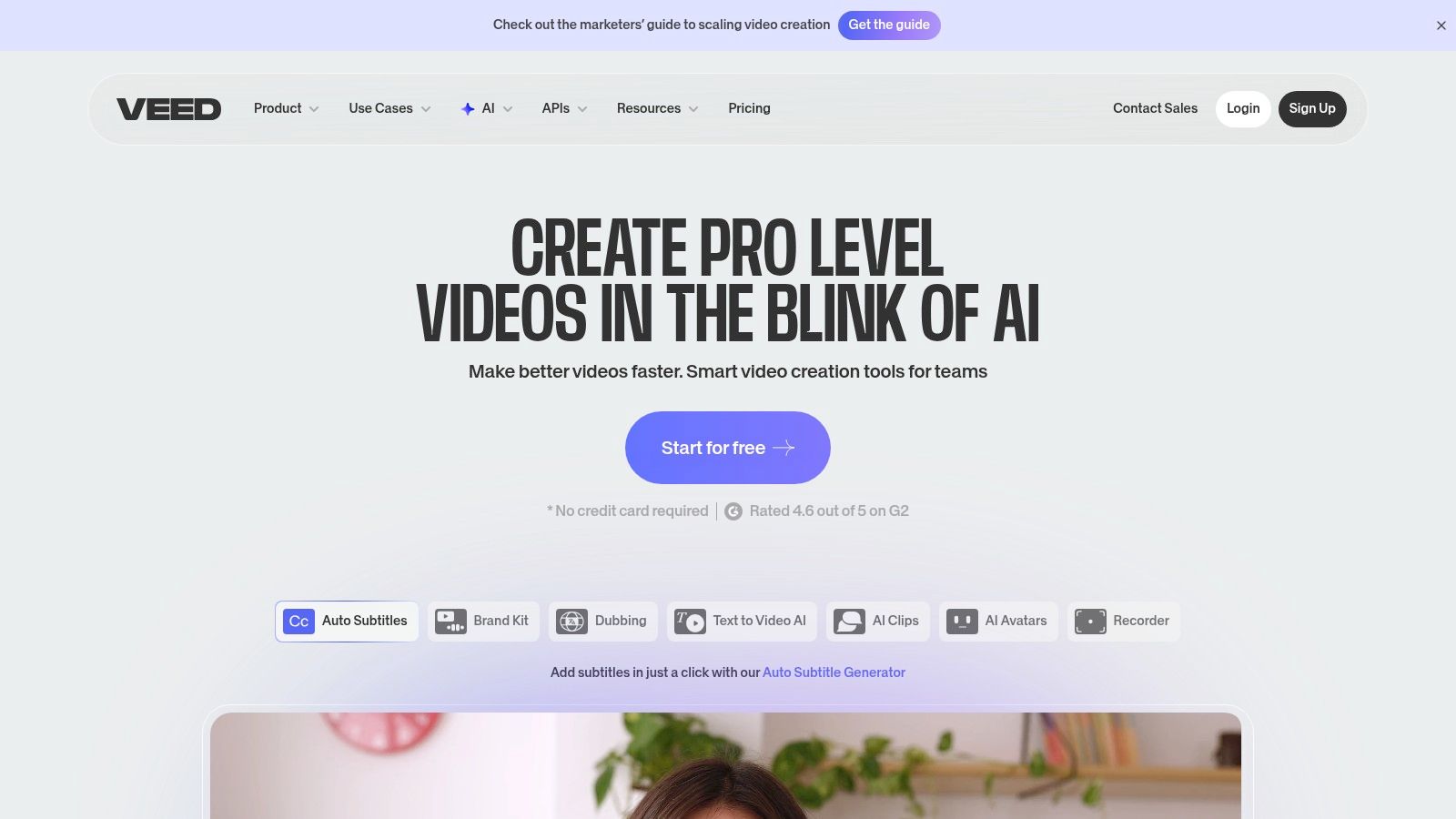
The platform’s template-driven approach and AI-powered features make it one of the best video podcast software choices for content repurposing. Key tools like automatic subtitles, AI-driven cleanup to remove filler words, and social media reframing allow you to quickly generate captions, audiograms, and vertical video clips tailored for platforms like LinkedIn and TikTok. For teams managing a consistent brand identity, the brand kit and collaborative features ensure all assets remain on-message and professionally produced, drastically cutting down the time from raw recording to published content. Services like Fame Clips specialize in this exact process, turning key interview moments into engaging short-form content.
Key Details & Pricing
- Best For: B2B marketing teams focused on efficiently repurposing long-form podcast episodes into short-form social media content and audiograms.
- Key Feature: An all-in-one browser-based toolkit for rapid video editing, subtitling, and social media asset creation.
- Pricing: A free plan is available for short projects. Paid plans start at $12/month (billed annually) for longer videos and no watermark, with Business and Enterprise tiers offering collaboration tools and brand kits.
Practical Tip: Use VEED's "Auto-Subtitle" feature as a first pass, then perform a quick manual review. While the AI is accurate, a human touch is essential to correct names, industry jargon, and acronyms, ensuring your brand maintains a professional image.
11. Spotify for Podcasters
While not a recording or editing suite, Spotify for Podcasters is an essential distribution platform for any B2B brand serious about reaching a massive audience. It acts as the gateway to get your finished video podcast onto Spotify, one of the world's largest audio and a rapidly growing video platform. For a robust distribution strategy, we recommend a specialized host like Fame Host, which can then push your show to Spotify and all other major directories.
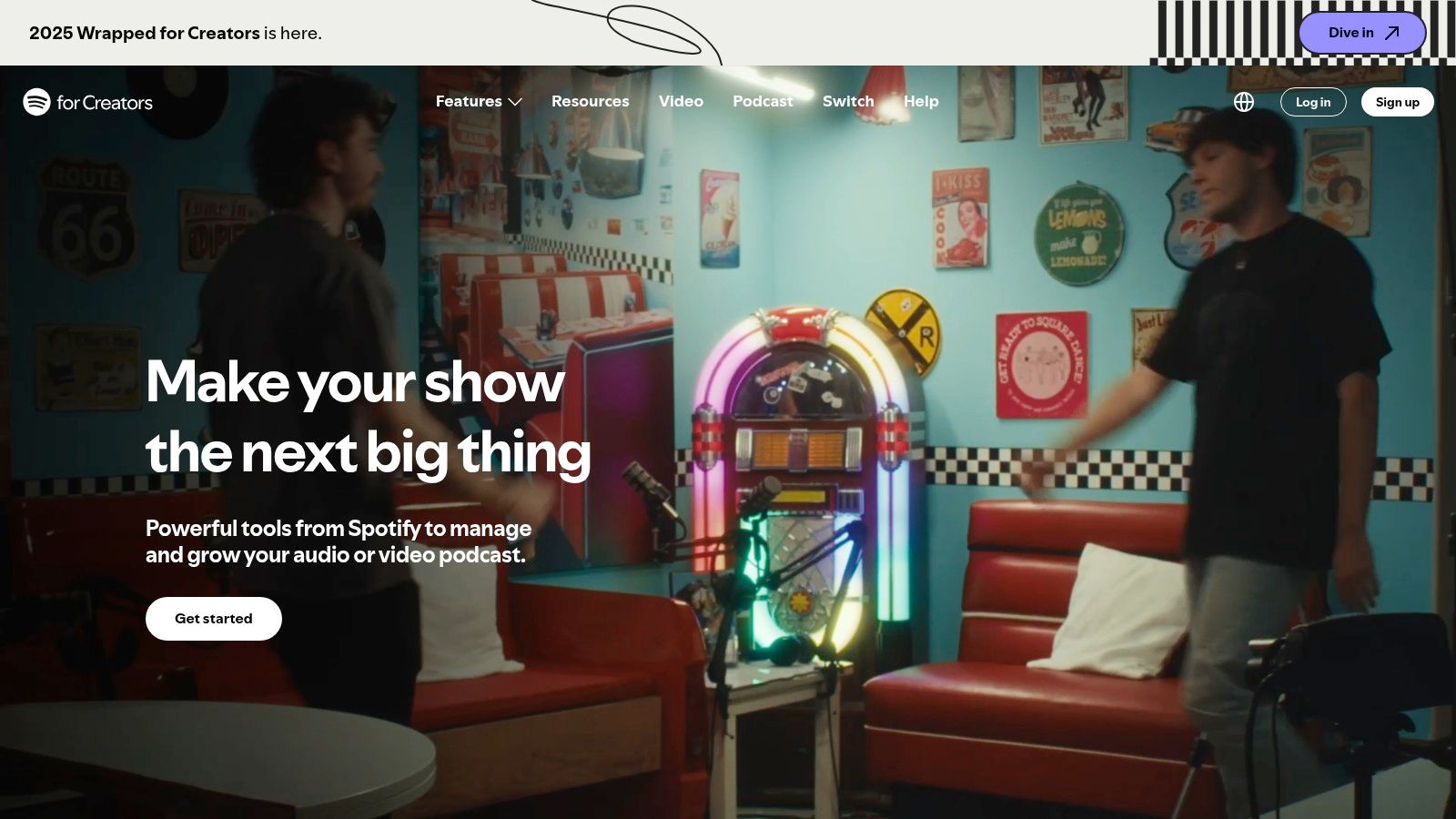
The platform’s value lies in its direct access to a dedicated listener base actively seeking content. You can upload video versions alongside your audio, use interactive features like polls and Q&As to boost engagement, and gain insights from its robust analytics dashboard. Because it’s a distribution channel rather than a creation tool, it perfectly complements dedicated recording software. This focus on publishing makes it a critical piece of the best video podcast software ecosystem for maximizing your content's reach.
Key Details & Pricing
- Best For: B2B marketers who have already recorded and edited their video podcast and need a powerful, free channel to distribute it to a huge, established audience.
- Key Feature: Direct video podcast publishing to Spotify’s platform, unlocking access to millions of potential listeners and robust creator analytics.
- Pricing: Free to use for hosting and distribution on the Spotify platform.
Practical Tip: Use Spotify for Podcasters in tandem with YouTube for a dual-platform video strategy. While YouTube excels at discoverability via search, Spotify captures a dedicated audio-first audience that is increasingly adopting video. Uploading to both ensures you cover all your bases for audience growth.
12. Blackmagic Design DaVinci Resolve Studio
For B2B podcasters who record high-quality source files and require an industry-grade finishing tool, DaVinci Resolve Studio is the definitive post-production powerhouse. Unlike cloud-based editors, Resolve is a professional non-linear editor (NLE) that combines advanced editing, color correction, audio post-production (Fairlight), and visual effects (Fusion) into a single application. It’s the ideal platform for taking the raw multi-track recordings from a tool like Riverside and transforming them into a broadcast-quality final episode.
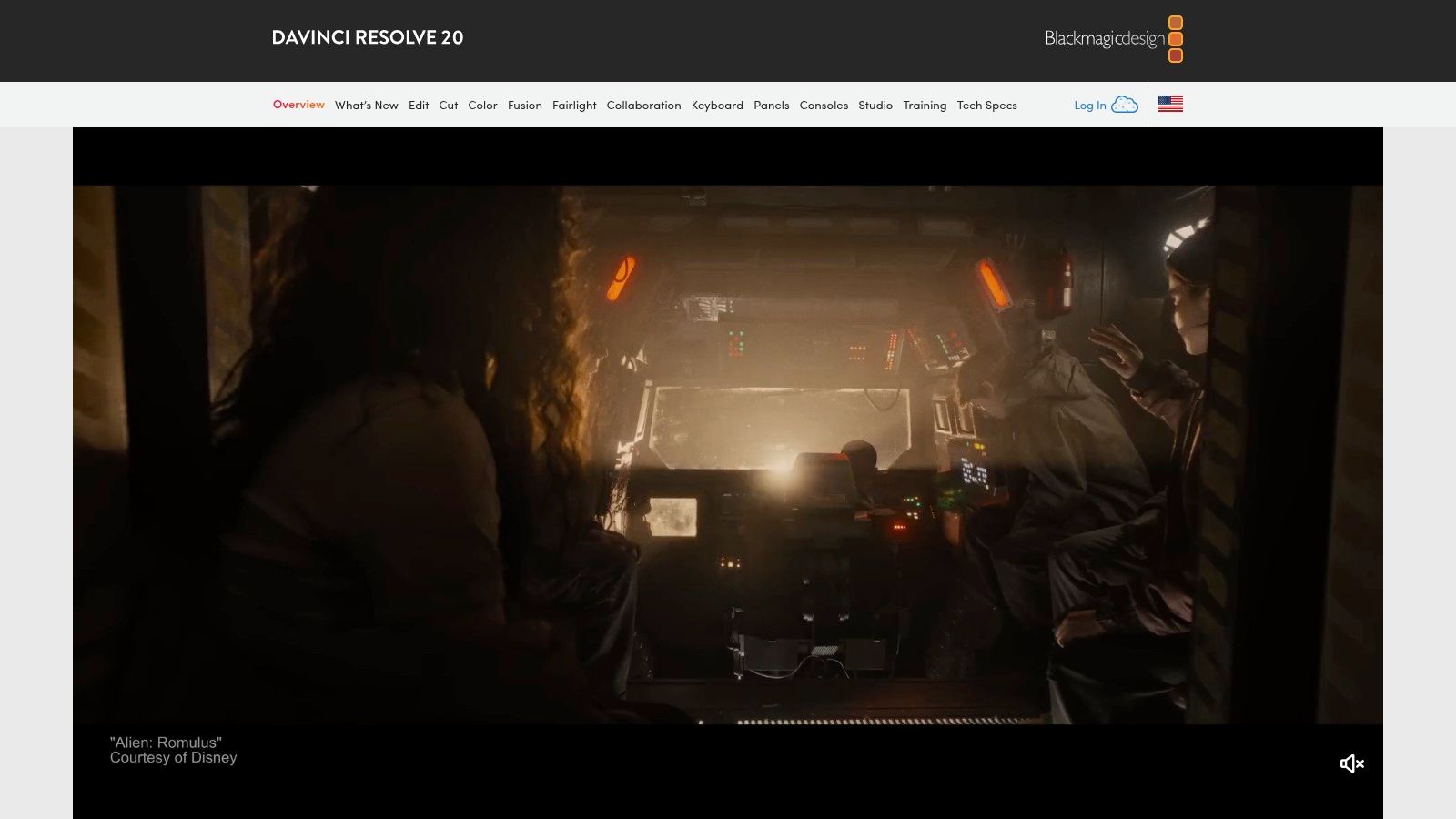
Resolve excels at handling complex multicam timelines and long-form recordings without performance degradation, a common pain point in less robust editors. Its renowned color grading tools allow you to perfect the look of your video, ensuring brand consistency and a polished aesthetic. This makes it one of the best video podcast software choices for teams that manage their own post-production and refuse to compromise on the final output. The Fairlight audio page provides a complete suite of tools to ensure your audio is as crisp and professional as your video, reinforcing the principle that great audio is non-negotiable.
Key Details & Pricing
- Best For: In-house production teams or solo creators who need a professional-grade NLE for editing, color grading, and audio mastering of pre-recorded podcast files.
- Key Feature: An all-in-one post-production suite that combines a world-class NLE with industry-leading color correction, audio, and VFX tools.
- Pricing: A remarkably capable version of DaVinci Resolve is available for free. The full DaVinci Resolve Studio version, which unlocks AI tools and more advanced features, is a one-time purchase of $295.
Practical Tip: Use Resolve’s proxy workflow when editing 4K footage. This creates lower-resolution copies of your files for smooth editing, even on less powerful hardware. You can then switch back to the original high-resolution files for final color grading and export, ensuring maximum quality without sacrificing editing performance.
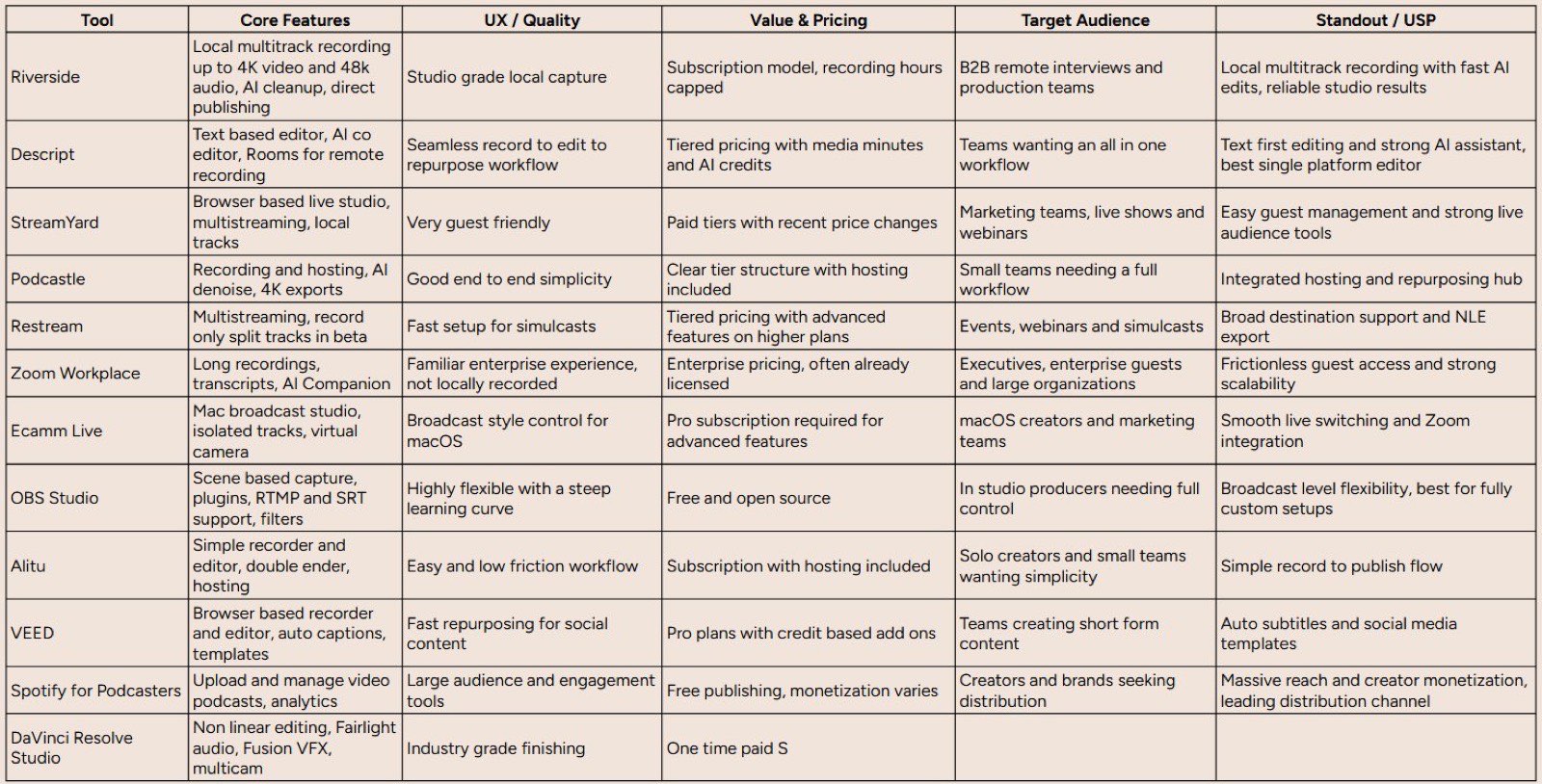
Top 12 Video Podcast Software Comparison
From Software to Strategy: Building Your B2B Podcast Engine
Selecting the right tool from our list of the best video podcast software is a crucial first step, but it’s only one component of a much larger engine. The ultimate goal for any B2B brand isn't just to produce a podcast; it's to build a sustainable content machine that generates qualified leads, establishes undeniable market authority, and scales your professional network. This is where your strategy and workflow move from the background to center stage.
The technology you choose lays the foundation, but how you use it determines your success. Your software is the vehicle, but your production workflow is the roadmap that ensures you reach your destination efficiently and consistently.
Your Actionable Framework for Success
As you move from evaluation to implementation, it's time to build a framework that works for your team. Don't let the sheer number of options paralyze you. Instead, focus on a simple, effective tech stack and a repeatable process.
- Prioritize High-Fidelity Recording: Your raw files are your most valuable asset. This is why we consistently recommend a platform like Riverside. Its local recording capability ensures that your audio and video quality remain pristine, independent of internet stability. As our founder, Tom Hunt, often says, great audio is non-negotiable. Listeners will tolerate less-than-perfect video, but poor audio is an instant turn-off.
- Simplify Post-Production: For editing, a tool like Descript offers an intuitive, text-based workflow that dramatically lowers the technical barrier. If your needs are more advanced and you have the expertise, DaVinci Resolve provides a professional-grade suite at an unbeatable price point. The key is choosing a tool that aligns with your team's current skill set to avoid bottlenecks.
- Amplify Through Distribution and Repurposing: A great episode that no one sees is a missed opportunity. Use a specialized B2B podcast host like Fame Host for effective distribution. More importantly, build a repurposing strategy from day one. A single 45-minute interview can be transformed into dozens of high-impact marketing assets. Services like Fame Clips are designed specifically for this, turning key moments into shareable short-form videos for platforms like LinkedIn and X.
- Systematize Your Entire Workflow: The difference between a short-lived project and a long-term strategic asset is a documented workflow. Map out every step, from guest outreach and prep (check out our guide on how guests can prepare) to recording, editing, and promotion. This ensures consistency and makes it easy to delegate tasks as you scale. Don't forget to promote your content through channels like social media and dedicated newsletters.
The Final Decision: DIY vs. Done-For-You
Ultimately, your choice of video podcast software should empower your content strategy, not complicate it. If your marketing team has the bandwidth and technical expertise to manage a multi-tool stack, the platforms we've detailed offer incredible power and flexibility.
However, many B2B teams find that the operational overhead of producing a high-quality video podcast consistently-from scheduling guests to intricate editing and strategic promotion-distracts from their core focus. Your team's most valuable contribution is their industry expertise and their ability to host insightful conversations, not mastering audio compression or video color grading.
If managing the end-to-end process feels like a barrier to entry, partnering with a specialized B2B podcast agency can be the most direct path to achieving your goals. An agency handles the technical complexities and strategic promotion, allowing you to focus solely on what matters most: creating exceptional content that resonates with your ideal customer. Your software choice becomes part of a fully managed service, transforming your podcast from a time-intensive project into a powerful, automated growth engine.
The right video podcast software is a powerful enabler, but it's the strategy and execution that drive results. If you want to bypass the steep learning curve and launch a show that delivers measurable ROI from day one, consider partnering with Fame. We manage the entire podcast production and promotion process, so you can focus on the conversations that build your brand and your pipeline.
Want us to run this for you?
Fame starts and grows B2B podcasts that generate pipeline. Tell us who you are trying to reach and we will send a costed proposal within 1 working day.
Related content
- Read moreFame Team · July 16, 2026
10 Account Based Marketing Tactics For B2B Growth In 2026
Discover 10 actionable account based marketing tactics for B2B tech. Learn to use podcasts, data, and targeted content to close high-value accounts. - Read moreFame Team · July 16, 2026
The 8 Best Brighton Podcast Agency Picks For 2026
Find the best Brighton podcast agency for your B2B brand. Our 2026 guide reviews top 8 agencies for production, growth & ROI. Expert analysis here - Read moreJune 10, 2026
20 Best Podcast Production Agencies For 2026 (And Why Should You Hire One)
Global podcast and vodcast ad revenues are on track to hit $5 billion in 2026 , up 20% year-on-year. - Read moreApril 13, 2026
Leadership In Marketing: The B2B Podcast Playbook
Most companies still confuse leadership in marketing with job titles, org charts, and budget control. That's outdated.