December 11, 202519 min read14 sections
Best Podcast Recording Apps: iOS, Android & Web (2026)
By Fame Team
Key Takeaways
- Choosing the right podcast recording software is crucial for the quality and efficiency of your show, ultimately impacting your B2B brand's ROI.
- A poor choice can lead to lost recordings, low-quality interviews, and wasted post-production time, while the right platform streamlines the production process and ensures a professional sound.
- This guide provides an actionable analysis of the best podcast recording apps for B2B use cases, focusing on remote recording fidelity, multi-track capabilities, security features, and integrations with existing martech stacks.
Choosing the right podcast recording software is a foundational decision that directly impacts your show's quality, workflow efficiency, and ultimately, its ability to generate ROI for your B2B brand. The app you select isn't just a tool for capturing audio; it's the central command center for your entire production. A poor choice can lead to lost recordings, low-quality remote interviews, and hours of wasted post-production time, undermining your content marketing efforts. Conversely, the right platform can streamline everything from multi-track recording and remote guest management to editing and final mastering, ensuring a professional sound that establishes authority and engages your target audience of industry leaders and potential clients.
This guide moves beyond generic feature lists to provide an actionable analysis of the best podcast recording apps specifically for B2B use cases. We'll dissect each platform, focusing on the critical elements that matter to a professional marketing team: remote recording fidelity, multi-track capabilities for clean edits, security features for sensitive conversations, and integrations with your existing martech stack. Whether you're a startup aiming for brand authority, a professional services firm establishing thought leadership, or an enterprise differentiating through high-value content, this resource will help you make an informed decision.
Each entry includes a clear breakdown of its core strengths, ideal user profile, pricing, and potential limitations. You will find screenshots to visualize the interface and direct links to explore each option further. Our goal is to equip you with the insights needed to select a recording solution that not only captures pristine audio but also scales with your B2B content strategy and integrates seamlessly into your agency workflows, like those we use with Fame Host and the Production Engine. Let's find your podcast's command center.
1. Riverside.fm
Riverside.fm has cemented its position as one of the best podcast recording apps, especially for B2B marketers who prioritize uncompromised audio and video quality for remote interviews. Its core strength lies in its local recording technology. The platform records each participant's audio and video track directly on their own device, not over the internet. This means that even with a choppy Wi-Fi connection, the final files are crystal clear, studio-quality recordings up to 48 kHz WAV for audio and 4K for video.
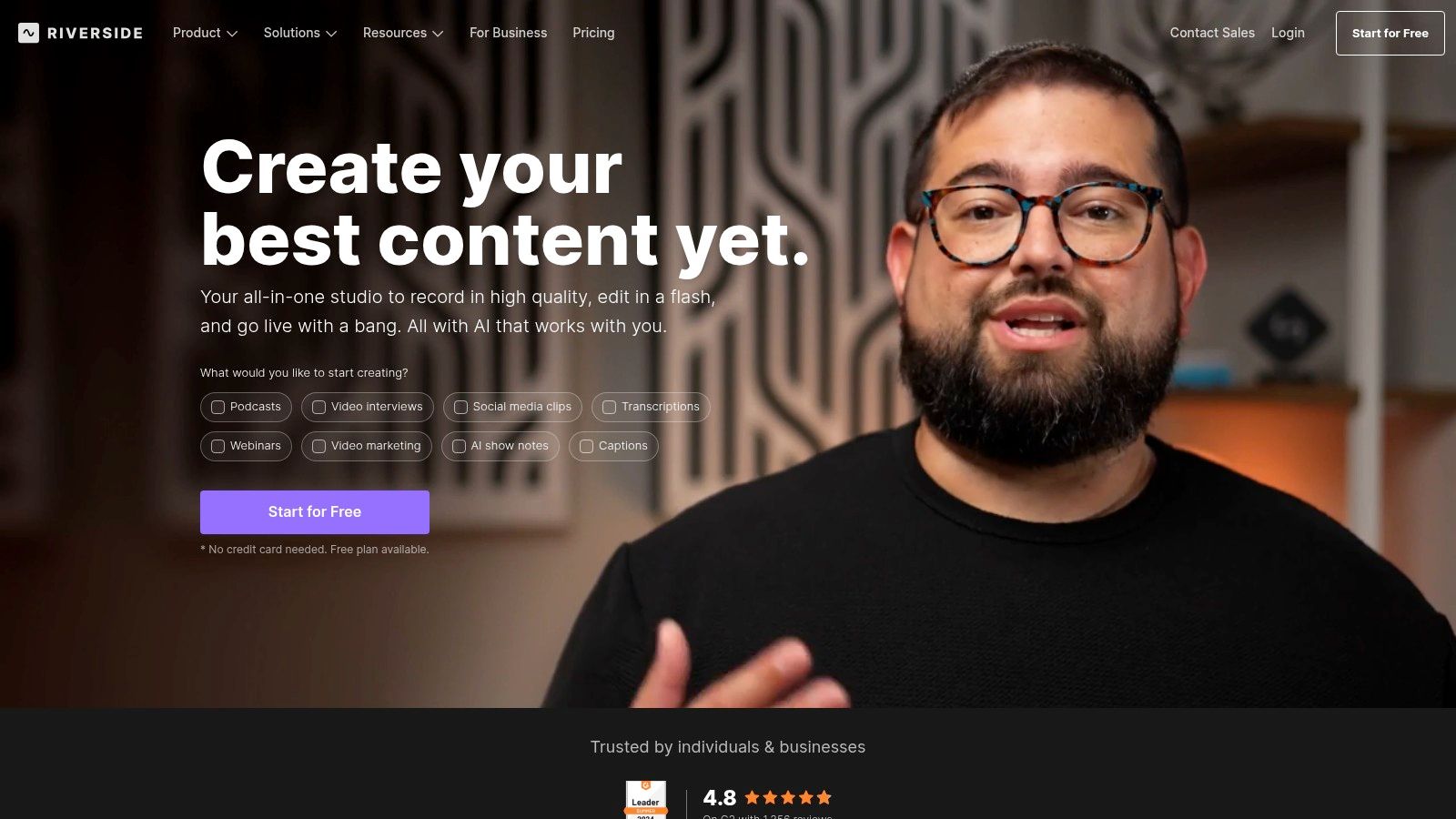
To make your workflow more actionable, use the transcript-based editor to edit your episode by simply deleting text from the script. Leverage the AI-powered Magic Audio tool to instantly remove background noise and use Magic Clips to automatically generate shareable short-form videos for social media. This turns a single recording session into a content-generation engine, which is a massive time-saver. For a deeper dive, review the specifics on how to record a podcast remotely with Riverside.
Key Features & Pricing
- Best For: B2B podcasters who need to capture high-quality remote interviews and video content.
- Standout Feature: Use local multitrack recording to guarantee recording quality is independent of internet stability.
- Pricing: Start with the free plan (watermarked, 720p video limit), or upgrade to paid plans starting at $15/month (billed annually) for 5 hours of separate audio/video tracks.
- Pros: Resilient recording quality, modern UI, powerful AI editing and clipping tools.
- Cons: Separate track recording hours are metered and can be used up quickly on lower-tier plans.
Visit the website: https://riverside.fm
2. Descript
Descript has revolutionized the podcast workflow by merging recording and editing into a single, intuitive platform driven by transcription. It’s an all-in-one solution that treats audio and video as editable text, making it one of the best podcast recording apps for teams who want to move from recording to a polished final product as quickly as possible. The platform recently integrated the technology from its acquisition of SquadCast, allowing for high-quality, multitrack remote recording directly within the Descript ecosystem. If you need a broader walkthrough of the process, see our guide on how to record a podcast remotely.
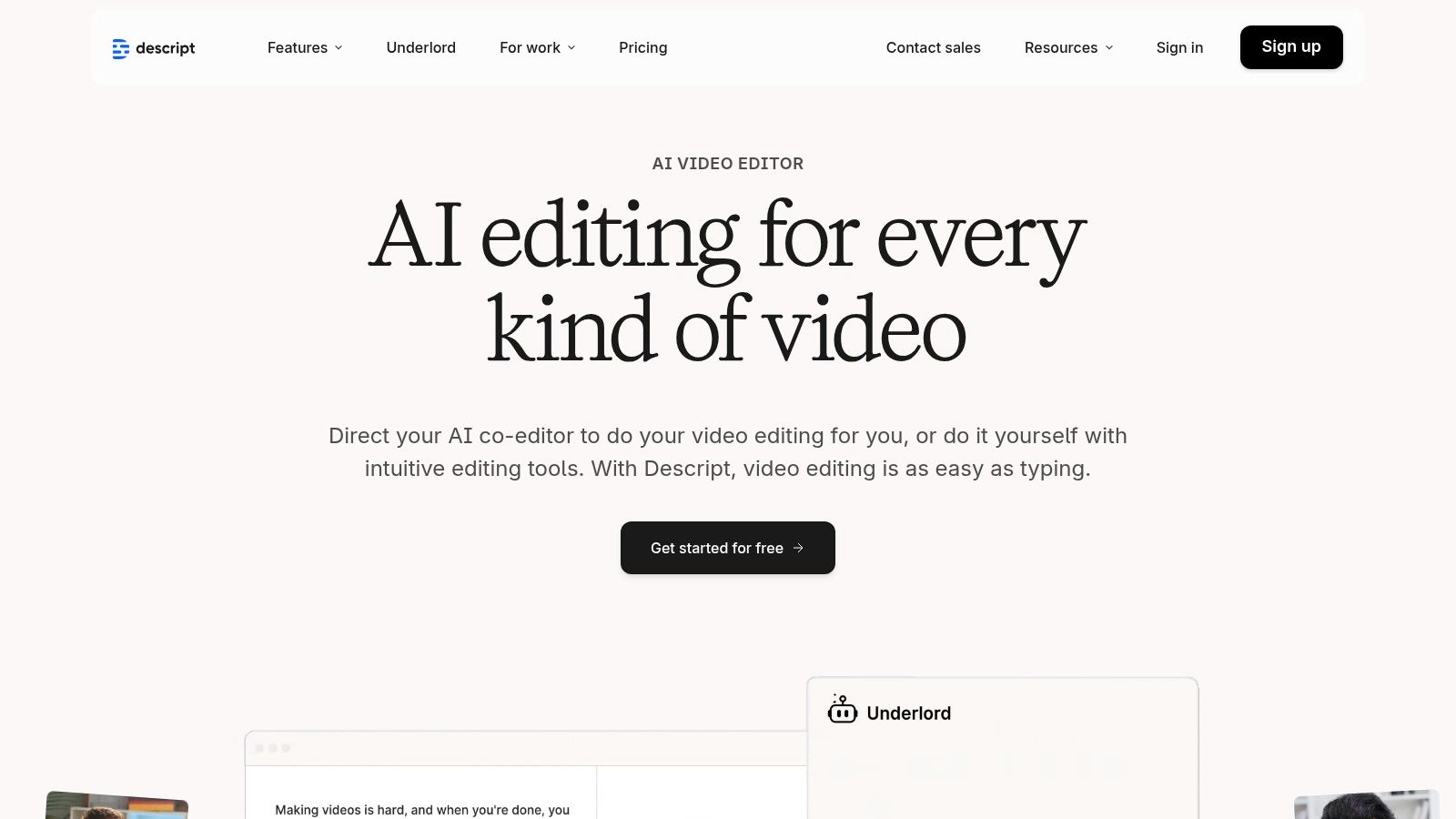
For a more actionable process, utilize its transcript-based editing. After recording, edit your audio or video directly within the full transcript by simply deleting words or sentences. Activate powerful AI tools like Studio Sound for noise cancellation and automatic filler-word removal ("um," "uh") to drastically cut down on post-production time. This workflow is ideal for B2B marketers who need to create rough cuts and social media clips efficiently. To see how it compares, explore how Descript fits into the best podcast editing software landscape.
Key Features & Pricing
- Best For: Content creators and B2B teams looking for a unified record-and-edit workflow to speed up production.
- Standout Feature: Edit audio and video by manipulating a text document to radically simplify the post-production process.
- Pricing: Start with a free plan for 1 hour of transcription. Upgrade to paid plans from $12/month (billed annually) for 10 hours of transcription/recording.
- Pros: Speeds up rough-cutting and clip creation via transcripts, one subscription covers capture and editing for teams, powerful AI cleanup tools.
- Cons: Recording time and AI features are capped per month, and the application can have a steeper learning curve compared to simple recorders.
Visit the website: https://www.descript.com
3. SquadCast (by Descript)
SquadCast has long been a trusted name in the podcasting space, known for its reliability and focus on creating a frictionless remote recording studio experience. Its acquisition by Descript has integrated its powerful recording engine into a comprehensive editing workflow. The platform’s core value is its progressive upload technology, which automatically saves recordings to the cloud in real-time. This means that if a guest's computer crashes or their internet drops, the recording is safe and sound, minimizing the risk of lost content.
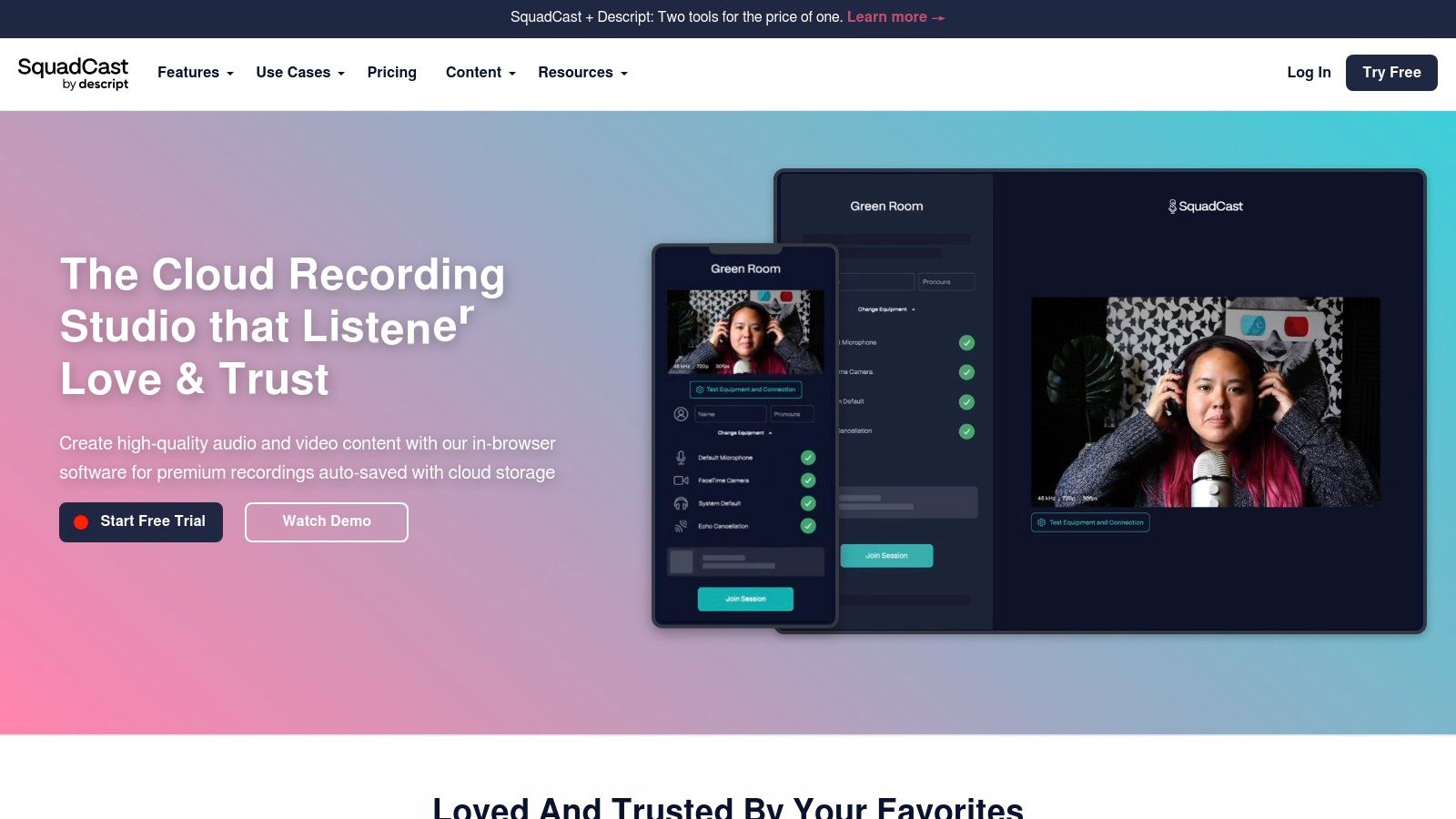
To make your guest experience seamless, send them a single-click join link, which requires no downloads or complex logins—a major benefit for securing interviews with busy executives. Once recorded, your separate, high-quality audio and video tracks provide full control during post-production. You can then immediately move from recording to editing within the integrated Descript ecosystem, streamlining your content pipeline from capture to final export.
Key Features & Pricing
- Best For: Podcasters and B2B marketers who need a simple, reliable guest experience and an integrated record-to-edit workflow within the Descript ecosystem.
- Standout Feature: Leverage progressive uploads and automatic cloud backups to ensure excellent recording redundancy and peace of mind against technical failures.
- Pricing: Included within Descript plans. Start with the free plan (watermarked, 720p video), or upgrade to paid plans starting at $12/month (billed annually) for 10 hours of remote recording.
- Pros: Extremely reliable recording, dead-simple guest interface, direct integration with Descript's powerful editor.
- Cons: Billing and features are tied directly to a Descript subscription, which may not be ideal if you prefer a different editing tool.
Visit the website: https://squadcast.fm
4. Cleanfeed
Cleanfeed distinguishes itself as one of the best podcast recording apps for professionals who demand broadcast-grade quality and reliability for live, audio-only remote interviews. It operates entirely within a web browser like Chrome or Edge, meaning guests can join a session with a single click and no software installation. Its core strength is its exceptionally low-latency connection, which facilitates natural, conversational back-and-forth that is critical for talk shows and live-to-air style recordings.
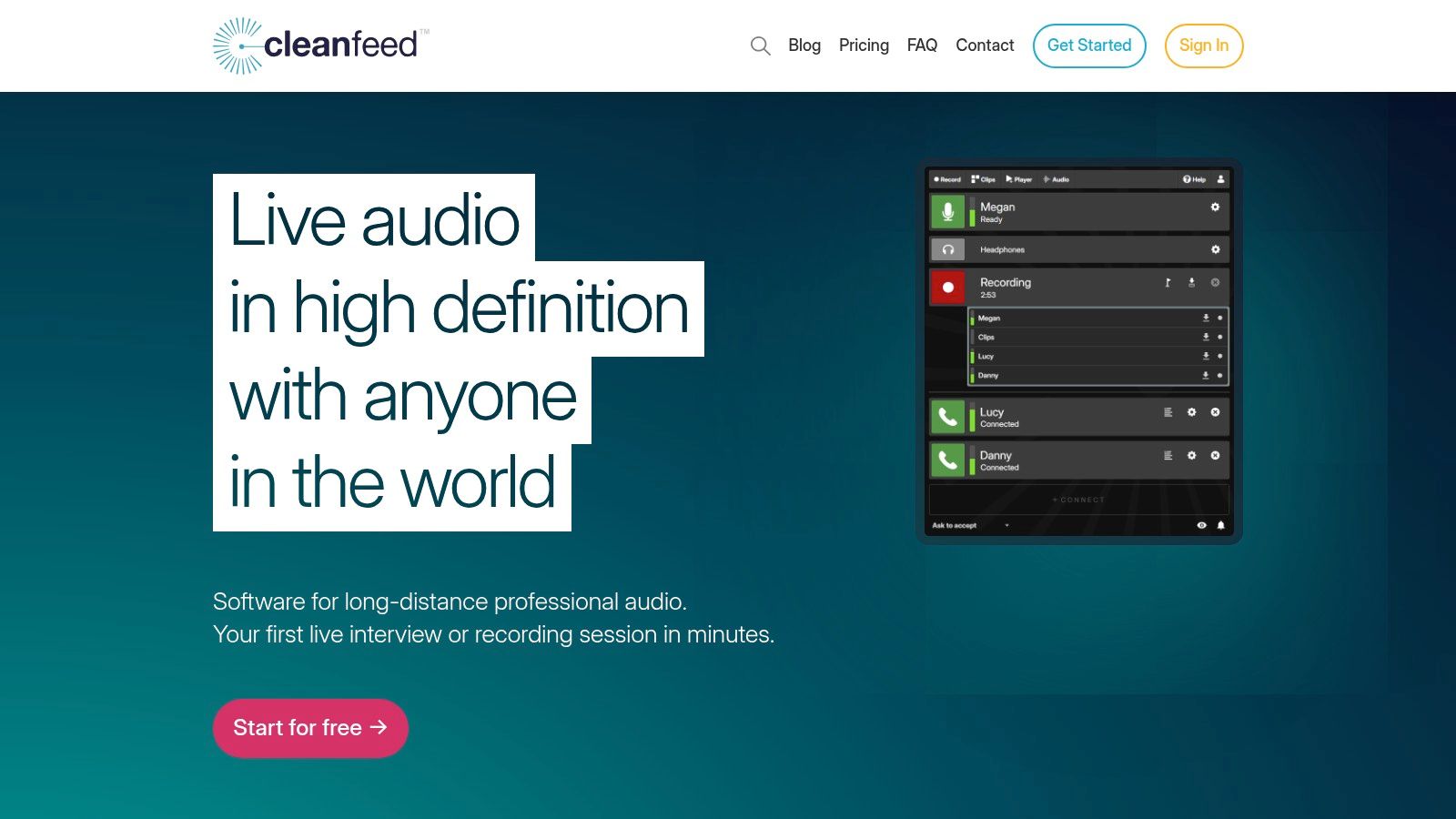
For a more practical setup, use Cleanfeed's multitrack WAV recording and advanced features like aux outputs to create separate monitor mixes or route audio to other applications. While its interface is more utilitarian, focus on its top-tier stability and audio fidelity. B2B podcasters who prioritize clear, uninterrupted conversations over video will find its performance unmatched. For more context on its place among other tools, you can explore this guide on podcast remote recording.
Key Features & Pricing
- Best For: Audio purists, live broadcasters, and B2B podcasters needing stable, high-fidelity remote audio interviews without video.
- Standout Feature: Utilize its extremely low-latency audio transport and robust connection stability to make conversations feel like they are in the same room.
- Pricing: Start with the free plan for high-quality stereo recording. Upgrade to the Pro plan at $34/month for multitrack recording, advanced routing, and higher bitrates.
- Pros: Broadcast-quality audio, very simple for guests to join, powerful audio routing options in the Pro version.
- Cons: Strictly audio-only with no built-in video support; the interface is functional but lacks the polish of newer platforms.
Visit the website: https://cleanfeed.net
5. Alitu
Alitu is designed as an all-in-one "podcast maker," positioning itself as one of the best podcast recording apps for solo creators and small B2B teams who want to minimize complexity. Its core value is simplifying the entire production workflow, from recording to publishing, within a single web-based interface. The platform allows you to record remote calls, and its automated audio cleanup processes handle leveling, hum reduction, and noise cancellation, which is a major time-saver for non-technical users.
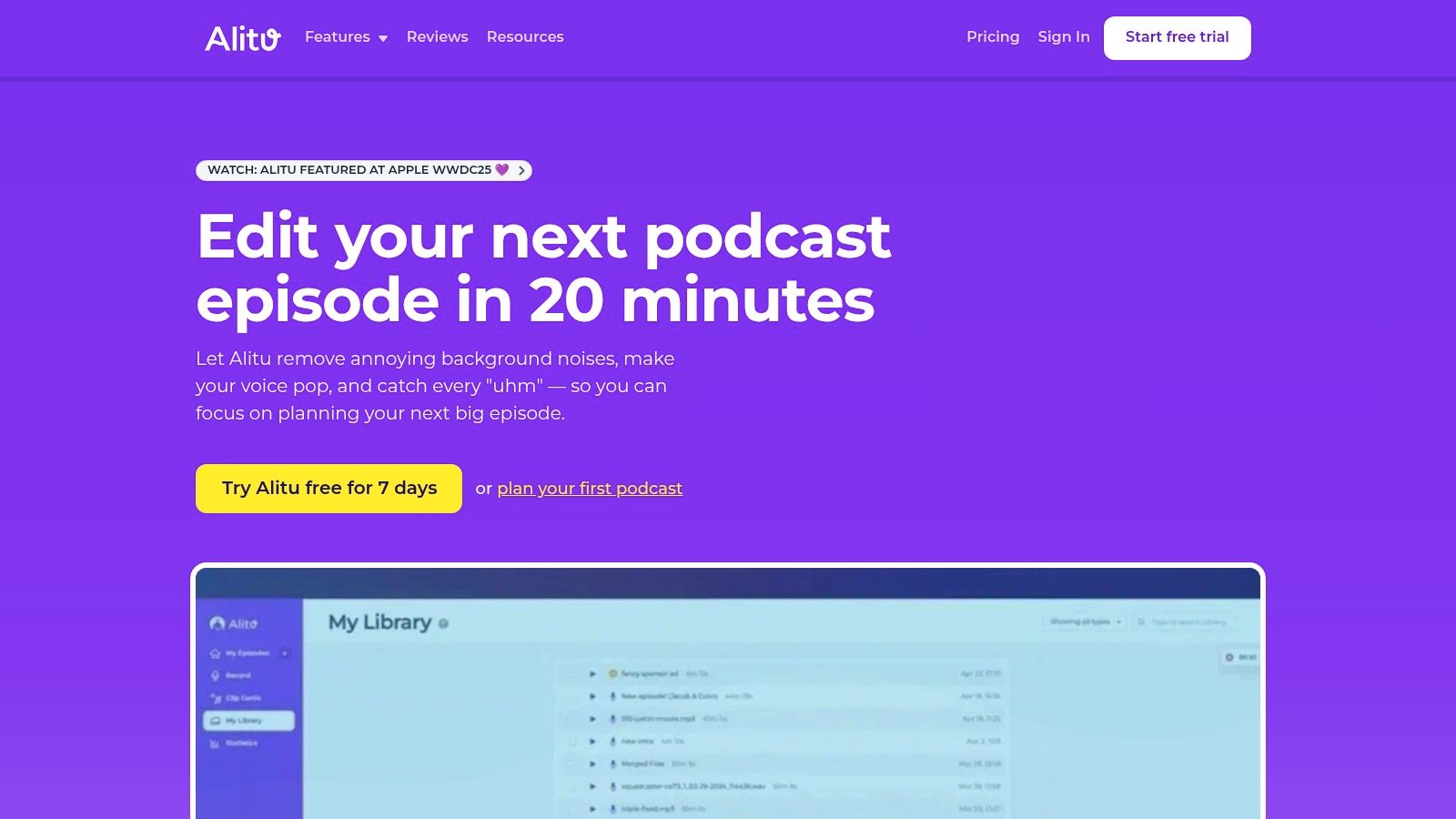
To make podcasting actionable, use Alitu's integrated toolset. After recording, use the simple editor to trim unwanted sections, add theme music from the built-in library, and piece segments together. Alitu then generates AI transcripts and show notes. Finally, use its built-in hosting and publishing tools to distribute your episode directly to major directories. This cohesive ecosystem eliminates the need to juggle multiple subscriptions, making it perfect for teams that need to launch quickly. For a look at how recording fits into the bigger picture, check out our podcast production workflow guide. For teams needing more advanced control, contrast Alitu's approach with a dedicated podcast editing service.
Key Features & Pricing
- Best For: Solo B2B creators, startups, and marketing teams needing a fast, simplified, end-to-end podcasting solution.
- Standout Feature: Use the fully integrated workflow to combine recording, automated audio cleanup, simple editing, and hosting in one platform.
- Pricing: A single plan at $38/month (or $380/year) that includes all features. A 7-day free trial is available.
- Pros: Radically simplifies the podcasting process, combines multiple tools into one subscription, and offers strong support for beginners.
- Cons: The editor lacks advanced features that power users may require, and built-in hosting has download limits that may be restrictive for rapidly scaling shows.
Visit the website: https://alitu.com
6. Hindenburg (Hindenburg PRO 2)
Hindenburg stands out as a purpose-built Digital Audio Workstation (DAW) designed specifically for spoken-word audio, making it a powerful choice for podcasters who prioritize post-production efficiency. Unlike general-purpose DAWs built for music, Hindenburg’s entire workflow is optimized for dialogue. Its core strength is its suite of automated voice-first editing tools, such as automatic leveling, which intelligently sets loudness levels across different speakers and clips to a professional standard with a single click.
To streamline post-production, use features like the Clipboard to organize soundbites and rely on the clean, uncluttered interface to avoid complexity. For B2B marketing teams that heavily rely on interview content, this focused editing process significantly reduces the time from recording to publication. Hindenburg also offers flexible licensing, including both subscription and perpetual options. You can add optional transcription packages to further streamline the show notes and content creation process.
Key Features & Pricing
- Best For: Podcasters and B2B marketers focused on interview-heavy, narrative content who need a fast, efficient audio editing workflow.
- Standout Feature: Apply automated voice leveling and audio processing tools to dramatically speed up the post-production process for spoken-word content.
- Pricing: Hindenburg PRO is available as a subscription starting at $12/month or via a perpetual license for $399. Add-on transcription hours are available for purchase.
- Pros: Highly efficient for editing interviews and dialogue, flexible licensing models (subscription or perpetual), trusted by professional journalists and storytellers.
- Cons: The perpetual license represents a significant upfront investment, and core features like transcription are sold as add-ons.
Visit the website: https://hindenburg.com
7. Audacity
For B2B marketers on a tight budget or those just starting their podcasting journey, Audacity has long been the go-to free solution. As a powerful, open-source audio recorder and editor, it provides a robust set of tools for recording, editing, and mixing audio directly on your computer. It's an excellent choice for solo podcasters or teams recording in-person, allowing for multitrack recording and sophisticated post-production without any subscription fees.
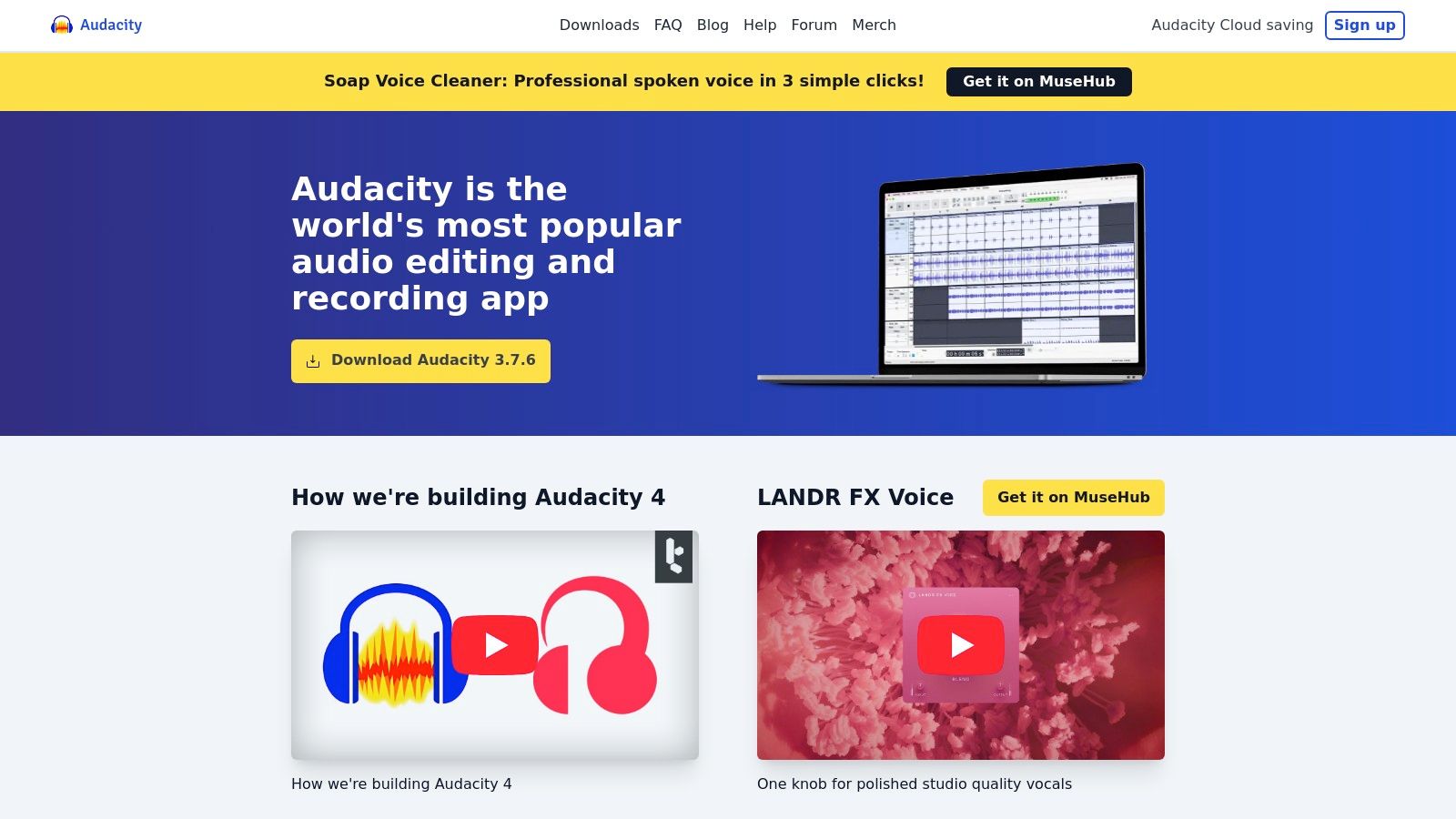
While it lacks dedicated remote interview features, Audacity excels as a digital audio workstation (DAW). To get started, use it for multitrack recording of in-person conversations. Then, leverage its extensive editing capabilities and massive ecosystem of community-made plugins to clean up audio, add intro/outro music, and master final episodes to professional standards. For actionable results, ensure you download it only from the official website to avoid unofficial or modified versions.
Key Features & Pricing
- Best For: Solo B2B podcasters and teams needing a free, powerful tool for in-person recording and post-production editing.
- Standout Feature: A completely free, cross-platform (Windows/macOS/Linux) audio workstation with a mature feature set and extensive plugin support.
- Pricing: Completely free.
- Pros: No cost to use, strong community support and vast tutorial library, powerful editing and mastering tools.
- Cons: No built-in remote recording capabilities; the user interface can feel dated and less intuitive than modern, paid apps.
Visit the website: https://www.audacityteam.org
8. Apple GarageBand
For B2B marketers and content creators embedded in the Apple ecosystem, GarageBand is an incredibly powerful and completely free starting point for podcast recording. As a full-fledged Digital Audio Workstation (DAW), it offers robust multitrack recording and editing capabilities right out of the box on any Mac, iPhone, or iPad. This makes it one of the best podcast recording apps for teams already using Apple hardware, eliminating the need for additional software investment for high-quality solo or in-person recordings.
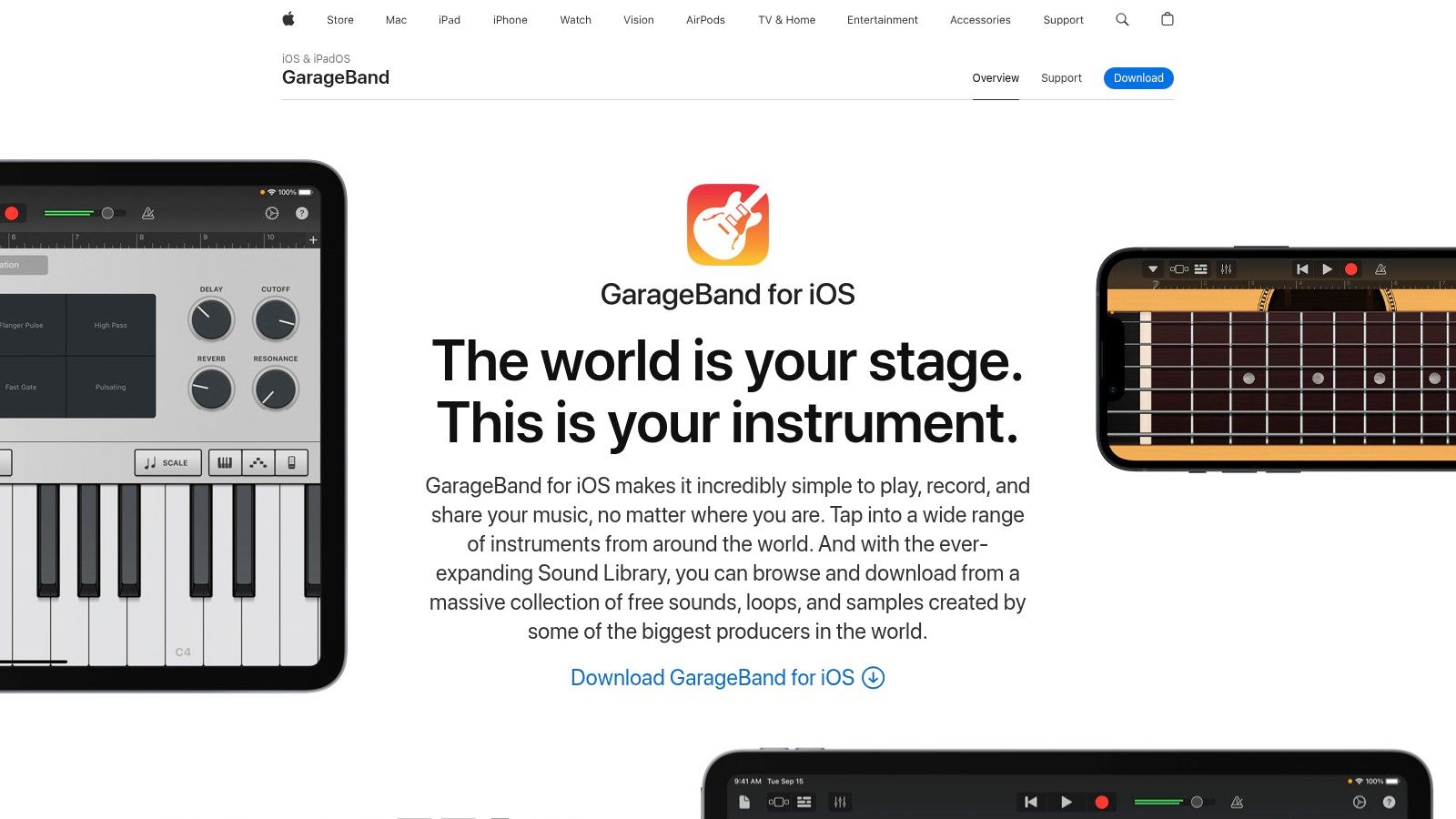
To achieve professional sound, use essential tools like GarageBand's built-in effects, voice cleanup presets, and support for third-party Audio Unit plug-ins. Sync projects seamlessly via iCloud to start an idea on your iPhone and finish editing on your Mac. While it lacks native remote recording features, its direct compatibility with various USB mics and audio interfaces makes it a versatile choice for in-studio setups. For those wondering how it fits into a larger production, you can learn more about building out your complete podcasting setup with GarageBand.
Key Features & Pricing
- Best For: B2B teams and solo creators within the Apple ecosystem needing a free, powerful in-studio recording and editing solution.
- Standout Feature: Use the seamless integration across Apple devices with iCloud project sync to create a smooth workflow from mobile to desktop.
- Pricing: Completely free with all macOS and iOS devices.
- Pros: Stable and user-friendly for beginners, supports many USB mics and audio interfaces, offers a clear upgrade path to the more advanced Logic Pro.
- Cons: Available only on Apple devices and has no built-in features for recording remote guests.
Visit the website: https://www.apple.com/ios/garageband/
9. Adobe Podcast
Adobe Podcast has carved out a unique space among the best podcast recording apps, focusing less on multi-track recording and more on post-production rescue. Its flagship feature is the AI-powered Enhance Speech tool, which can dramatically clean up noisy or poorly recorded audio, making it sound as if it were recorded in a professional studio. This makes it an invaluable tool for B2B marketers who may need to salvage audio from a guest with a subpar microphone or a noisy recording environment.
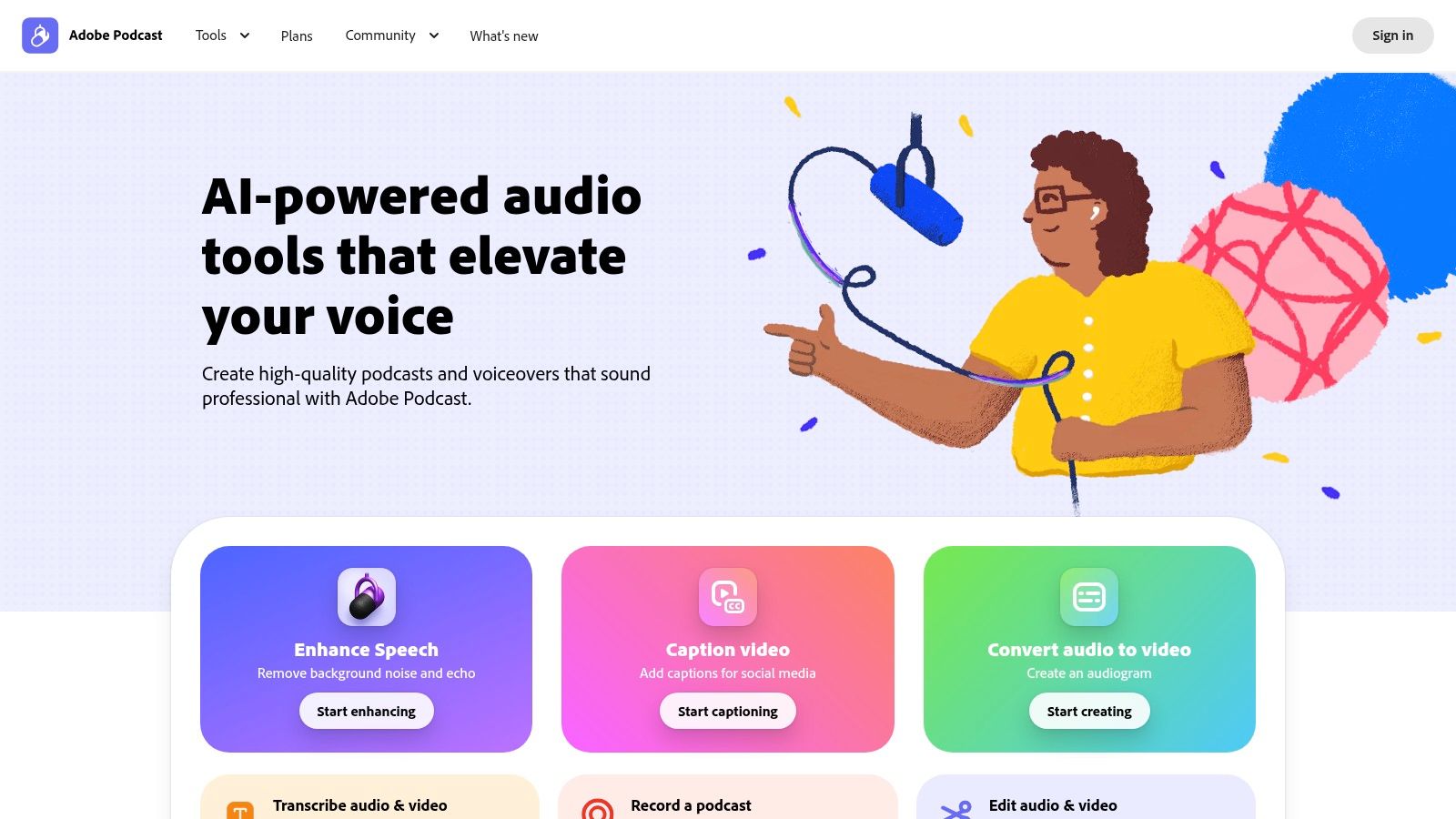
While Enhance Speech is the main draw, you can use Adobe's simple, web-based remote recording Studio to capture interviews online and download speaker tracks separately. Before recording, have your guest use the Mic Check feature to optimize their input levels. For teams already invested in the Adobe ecosystem, integrate your audio with Adobe Express to streamline the creation of social media assets and promotional content.
Key Features & Pricing
- Best For: Teams needing a powerful, fast solution to clean up and improve existing or imperfect audio recordings.
- Standout Feature: Use Enhance Speech AI to transform low-quality voice recordings into studio-quality audio with a single click.
- Pricing: Start with a generous free plan that has daily limits. The Premium plan ($9.99/month billed annually) offers higher limits, bulk processing, and video enhancement.
- Pros: Exceptional AI audio enhancement, simple and accessible web-based interface, integrates with Adobe's creative suite.
- Cons: Processing large files can be slow, and the free plan has strict daily limits on usage and processing time.
Visit the website: https://podcast.adobe.com
10. REAPER (by Cockos)
REAPER stands out among the best podcast recording apps not as a remote interview platform, but as a powerful, lightweight, and endlessly customizable Digital Audio Workstation (DAW). It is the go-to choice for B2B podcasters who want unparalleled control over their post-production workflow. Its core strength is its extreme efficiency and customization, allowing users to build fast, repeatable editing processes using custom actions, scripts, and macros. This is ideal for teams that need to process high volumes of podcast episodes with a consistent, high-quality finish.
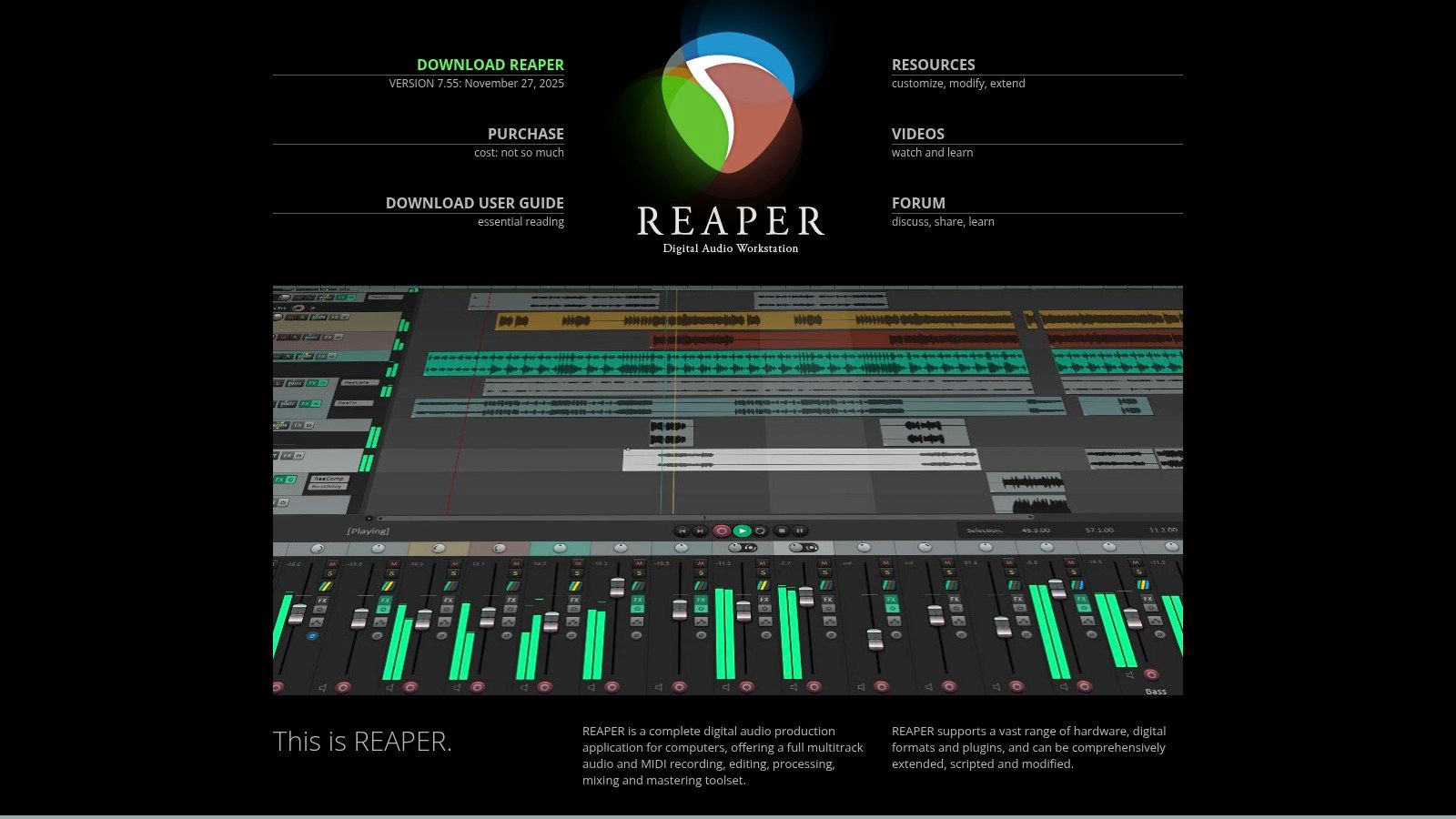
While it doesn't have a built-in remote recording studio, use REAPER as the perfect partner for platforms like Riverside.fm or Cleanfeed. Once you have your locally recorded multitrack files, import them into REAPER for surgical-level editing, mixing, and mastering. Take advantage of the fully functional 60-day trial to evaluate its deep feature set. Its one-time license fee is also remarkably affordable, making it a sustainable, high-ROI investment for any serious B2B content operation.
Key Features & Pricing
- Best For: B2B podcast producers and editors who require a powerful, fast, and highly customizable post-production environment.
- Standout Feature: Create deep customization through macros, scripts, and extensions to enable highly efficient and personalized editing workflows.
- Pricing: Start with a generous 60-day full-featured evaluation trial, followed by a $60 discounted license for personal or small business use.
- Pros: Pro-level speed and flexibility at a low cost, strong community support, one license covers Mac/Windows/Linux.
- Cons: Steeper learning curve compared to all-in-one platforms; requires a separate tool for remote guest recording.
Visit the website: https://www.reaper.fm
11. Apple App Store (iOS/iPadOS)
While not a recording app itself, the Apple App Store is the essential gateway for any B2B marketer producing podcasts on an iPhone or iPad. It serves as the primary, secure marketplace to discover, vet, and install many of the best podcast recording apps, including mobile versions of platforms like Riverside and Spreaker. Its core function is providing a centralized hub for app discovery, updates, and subscription management, all handled securely through your Apple ID.
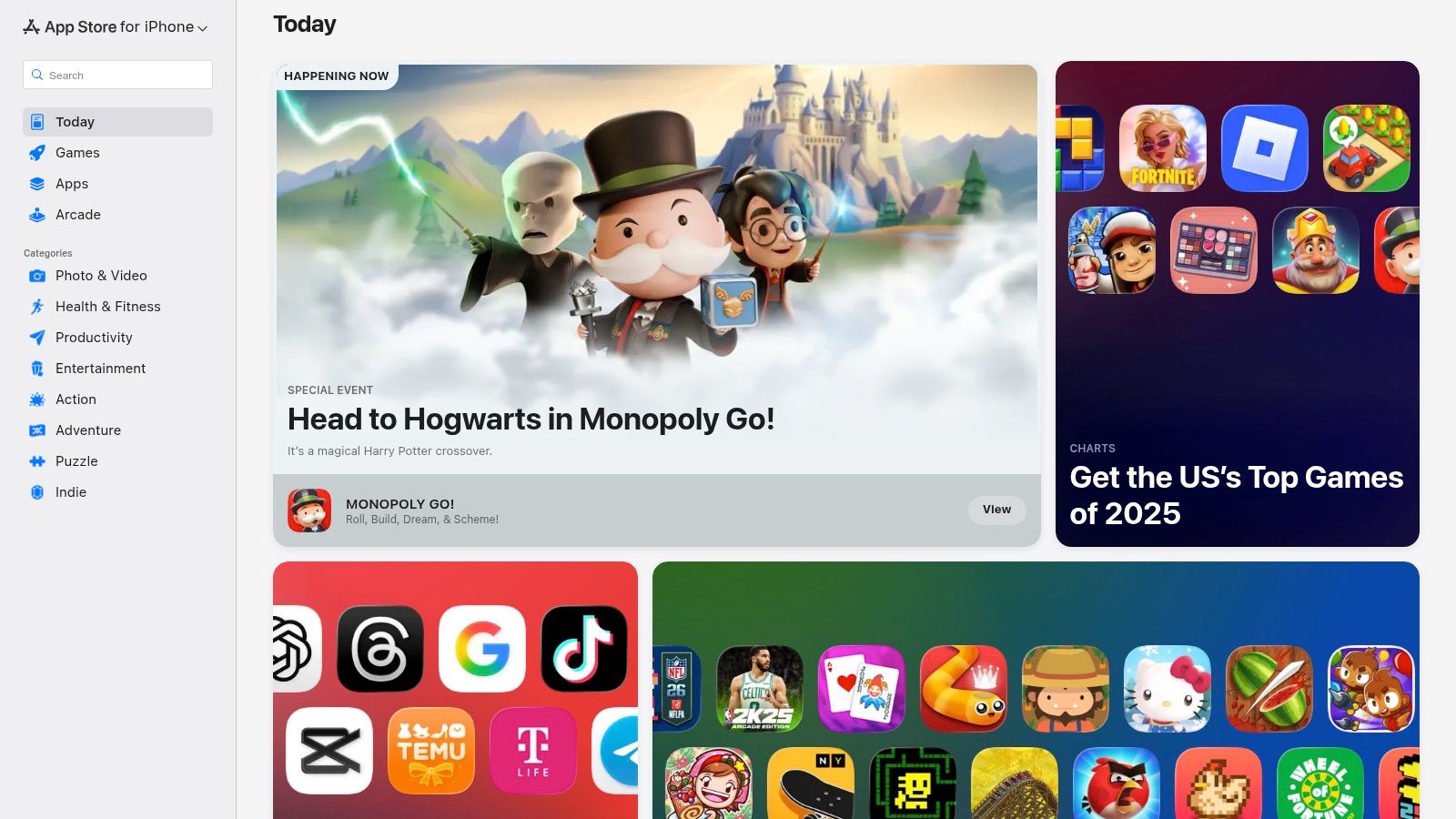
To simplify procurement and management, use the App Store to consolidate billing for multiple app subscriptions. Take advantage of its editorial curation to discover powerful or up-and-coming audio tools that you might otherwise miss. This makes it a crucial resource for equipping team members with reliable mobile recording solutions for on-the-go interviews at events or for remote guest recordings. Use the platform’s review system as valuable social proof when evaluating a new tool for your production workflow.
Key Features & Pricing
- Best For: B2B teams using iPhones or iPads as part of their mobile podcasting workflow.
- Standout Feature: Use the App Store for centralized discovery, installation, and secure subscription management for a wide range of mobile podcasting apps.
- Pricing: The App Store is free to use; individual app pricing varies from free to subscription-based, managed via Apple ID.
- Pros: Safe, vetted source for mobile apps, simplified billing and subscription management, editorial curation aids in discovering new tools.
- Cons: Apple-only ecosystem, some professional tools still require a separate subscription outside the App Store system.
Visit the website: https://apps.apple.com
12. Spreaker Studio
Spreaker Studio is a comprehensive podcast creation and management platform that stands out for its all-in-one, mobile-first approach. It’s designed for creators who want to record, edit, and publish episodes quickly, often directly from their phone or desktop, without needing multiple tools. Its core strength is the seamless integration of recording, live broadcasting, and distribution. You can go live with your show, record an offline episode, add sound effects, and then publish it to all major podcast directories with a single tap.
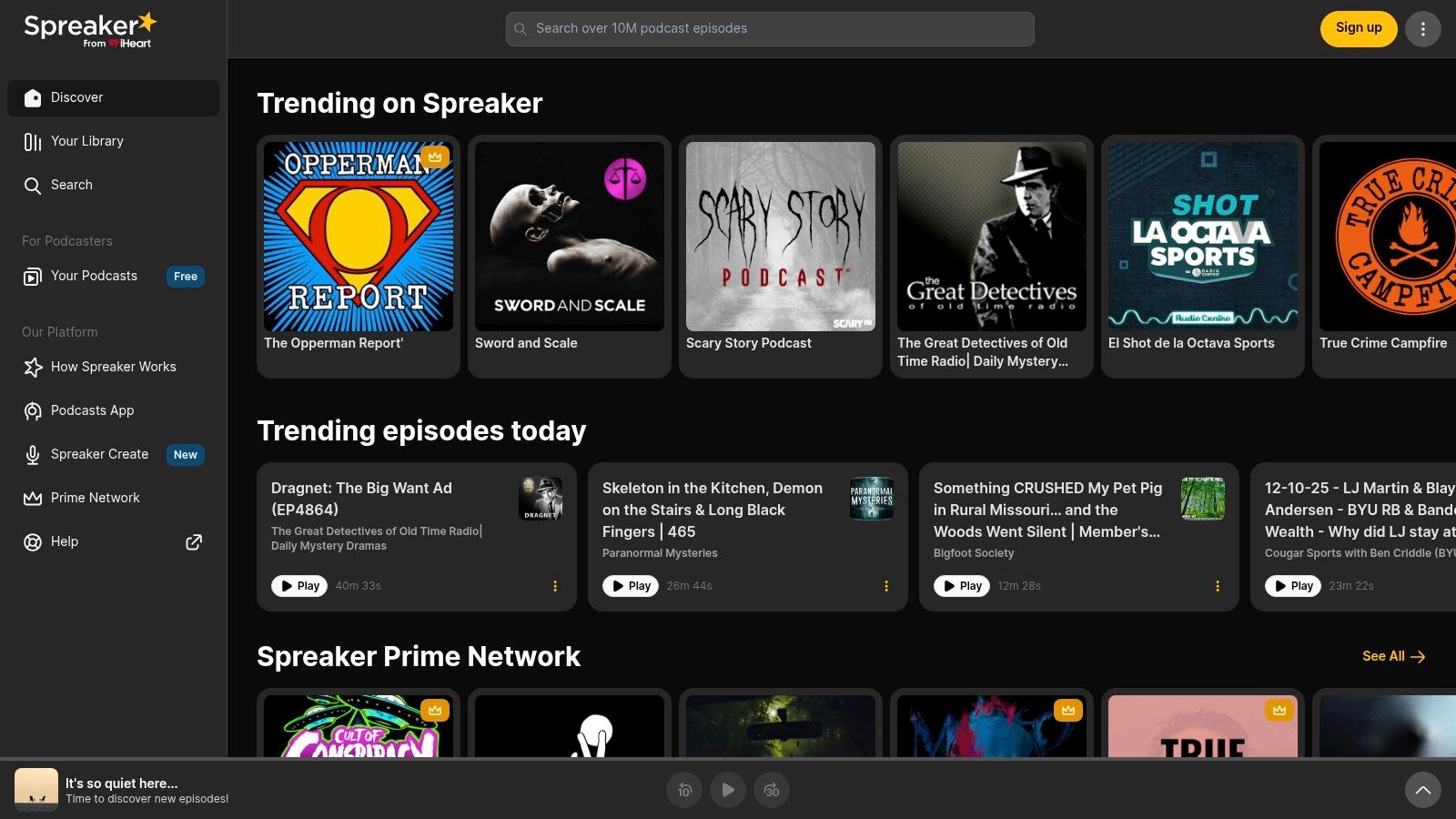
For a low-friction way to manage a show, use Spreaker to combine hosting, analytics, and creation in one ecosystem. This unified workflow is highly actionable for teams that need to produce content efficiently. Switch between pre-recorded and live formats to create flexible content strategies, such as hosting live Q&A sessions or webinars and instantly publishing them as podcast episodes. This makes it one of the more versatile podcast recording apps for teams valuing speed and simplicity over complex post-production.
Key Features & Pricing
- Best For: B2B teams and solo creators needing a streamlined, all-in-one solution for mobile recording, live shows, and instant distribution.
- Standout Feature: Utilize the integrated live broadcasting and one-tap publishing to go from the recording app to all major podcast platforms instantly.
- Pricing: Start with the free plan, which has recording and storage limits. Upgrade to paid plans starting at $8/month for more storage, monetization options, and advanced IAB-compliant stats.
- Pros: Quick to start from a phone and publish episodes, supports live shows as well as pre-recorded episodes, integrated distribution and show management in one ecosystem.
- Cons: Editing tools are lighter compared with pro DAWs, and advanced analytics and monetization features are behind paywalls.
Visit the website: https://www.spreaker.com
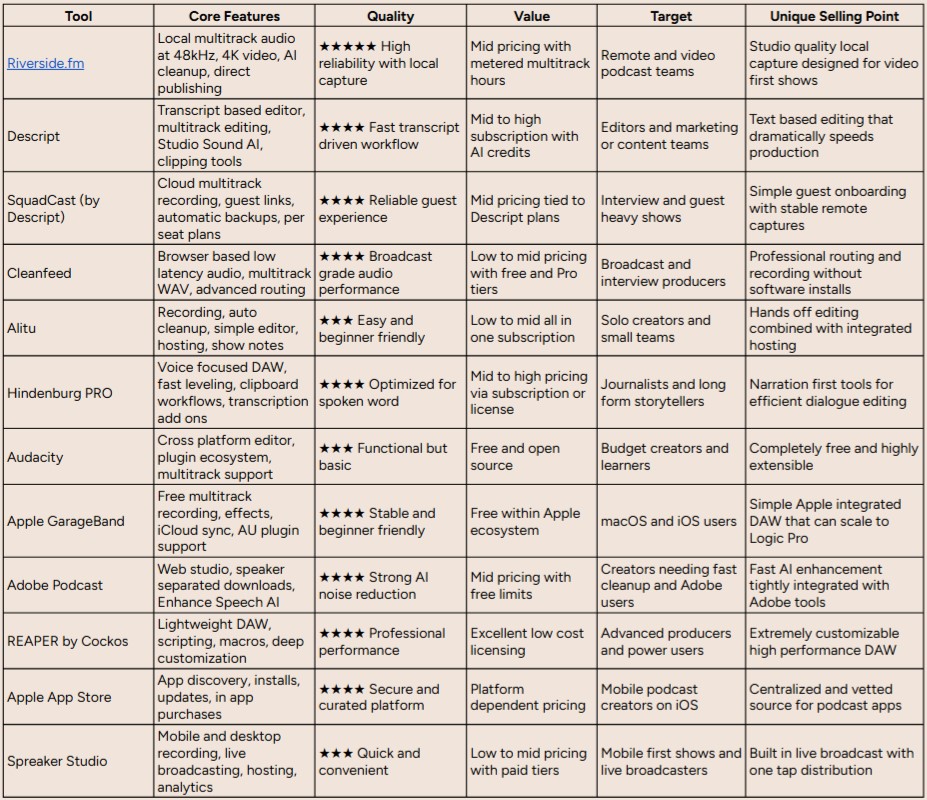
Top 12 Podcast Recording Apps; Feature Comparison
From Recording to Revenue: Your Next Step
Navigating the landscape of the best podcast recording apps can feel overwhelming, but the journey from selecting a tool to launching a B2B podcast that drives measurable ROI is a strategic process. We've explored a dozen powerful options, from the browser-based simplicity of Riverside and SquadCast for high-fidelity remote interviews, to the all-in-one editing prowess of Descript and Alitu, and the professional-grade control offered by DAWs like Hindenburg PRO and REAPER. The key takeaway is that the "best" app is not a one-size-fits-all solution; it's the one that aligns perfectly with your team's specific workflow, technical expertise, and strategic goals.
Your decision hinges on a clear understanding of your production needs. A solo host at a startup might find Audacity or GarageBand perfectly sufficient for initial efforts, while an enterprise marketing team managing multiple shows with remote guests will see immediate value in the collaborative, high-security features of a platform like Riverside. The right tool acts as a force multiplier, reducing friction in your production process and freeing up your team to focus on what truly matters: creating authoritative content that resonates with your ideal customer profile.
Making Your Final Selection: A Practical Framework
Before you commit to a subscription, move beyond the feature list and map your choice to your operational reality. An actionable evaluation process is crucial for long-term success and adoption within your organization.
Here is a simple, three-step framework to guide your final decision:
- Define Your Primary Use Case: Be brutally honest about your most frequent recording scenario. Is it complex remote interviews with C-suite executives? In-person, multi-mic roundtables at your headquarters? Or a hybrid model? Your answer immediately narrows the field. For instance, if your primary need is pristine remote audio, Cleanfeed and Riverside should be at the top of your list. If it's a seamless record-to-edit workflow, Descript is a clear frontrunner.
- Assess Your Team's Technical Ceiling: The most feature-rich Digital Audio Workstation (DAW) is useless if your team finds it intimidating. Consider the learning curve. Can your content manager master this tool in a week, or will it require dedicated training? Tools like Alitu and Spreaker Studio are designed for simplicity, while Hindenburg and REAPER cater to users with existing audio engineering experience. Choose a tool that empowers, not intimidates.
- Map to Your Strategic Goals and Integrations: How does this recording app fit into your broader content marketing machine? A B2B podcast isn't an island; it’s a central pillar of your demand generation strategy. Consider integrations with your existing martech stack, such as transcription services, hosting platforms, and project management tools. A tool with robust API access or native integrations can save hundreds of hours annually.
Beyond the Recording: Streamlining Your Entire Podcast Workflow
Remember, the recording app is just the first link in a longer production chain. Once you've captured your raw audio, the real work of editing, post-production, and promotion begins. To further streamline your workflow and enhance your podcast production and promotion efforts, consider exploring advanced options like the 12 best AI tools for podcasters to automate tasks like show note creation, clip generation, and transcription.
Ultimately, choosing from the best podcast recording apps is an investment in your brand's authority and market presence. The right software empowers you to capture crystal-clear conversations that establish thought leadership, build trust with your audience, and create a powerful asset for your B2B marketing engine. By making a thoughtful, strategic choice now, you are laying the foundation for a successful podcast that not only captures attention but drives tangible business growth.
Ready to turn your B2B podcast from an idea into a revenue-driving machine? Fame handles the entire podcasting process for you, from strategy and guest booking to production and promotion, so you can focus on building relationships. Learn how our done-for-you B2B podcasting service can transform your content strategy at Fame.
Want us to run this for you?
Fame starts and grows B2B podcasts that generate pipeline. Tell us who you are trying to reach and we will send a costed proposal within 1 working day.
Related content
- Read moreFame Team · July 16, 2026
10 Account Based Marketing Tactics For B2B Growth In 2026
Discover 10 actionable account based marketing tactics for B2B tech. Learn to use podcasts, data, and targeted content to close high-value accounts. - Read moreFame Team · June 10, 2026
20 Best Podcast Production Agencies For 2026 (And Why Should You Hire One)
We painstakingly collated the 20 best podcast production agencies in the world. If you are considering starting a podcast, review this list! - Read moreApril 13, 2026
Leadership In Marketing: The B2B Podcast Playbook
Most companies still confuse leadership in marketing with job titles, org charts, and budget control. That's outdated. - Read moreApril 7, 2026
14 Top Enterprise Podcast Production Companies (2026 Guide)
Your CEO wants a category-defining platform before the next board meeting. Sales needs a reason to start better conversations with target accounts.